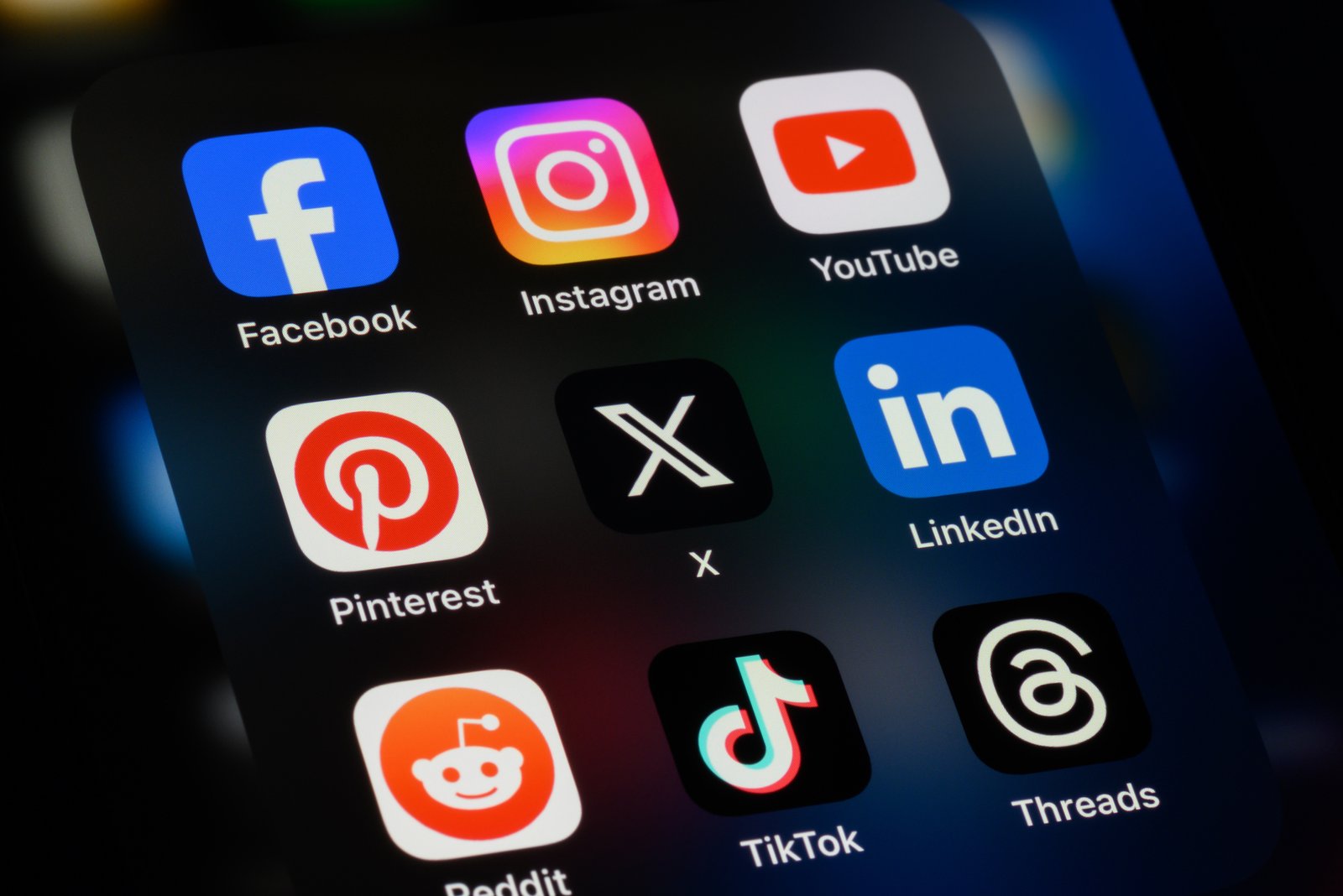
I remember when I launched my first online store, I was so focused on uploading products and tweaking the color palette that I totally forgot to connect my socials. And let me tell you, that was a missed opportunity.
Your website and your social media shouldn’t be two separate worlds. They should work together like besties hyping each other up.
The goal? Make it dead simple for shoppers to find, follow, and engage with you off the store. That’s where the real connection happens.
So yeah—adding social links seems basic, but it’s one of those little things that makes a big difference.
Why Social Links Matter? (More Than You Think)
Before we jump into the how, let’s talk why.
People aren’t just buying products—they’re buying trust. And your social profiles? That’s where they go to see if you’re legit.
They want to see:
-
Real customer photos
-
Behind-the-scenes content
-
Reviews, stories, updates
-
Personality (aka YOU!)
Once I started linking my Instagram and TikTok directly on the homepage, traffic to my socials shot up. Engagement followed. And then… more sales. Because people who follow are people who return.
Want another trust booster? Don’t skip creating an About Page that builds trust. It works hand-in-hand with your social media to humanize your brand and keep people coming back.
Where to Put Social Links? (Strategically, Not Randomly)
Don’t just toss them into your footer and call it a day.
Here’s what worked for me:
-
Header (top right): Clean icons next to my search bar and cart.
-
Footer: Full list of icons in a “Follow Us” row.
-
Product pages: Tiny Instagram icon next to review stars with a tooltip like “See real customer pics on Instagram.”
-
About page: Embedded Instagram grid. This helped people connect with me, not just my products.
-
Thank-you page: After checkout, a little blurb: “Follow us on TikTok for sneak peeks + giveaways.”
It’s not about being flashy—it’s about being everywhere people might look for more info.
Another smart move? Make sure your store is optimized for mobile storefront performance so your social icons look and work just as well on small screens. Nothing kills clicks like a clunky mobile layout.
How to Add Social Media Links? (For Real, Step-by-Step)
Let’s break this down by platforms. I’ll use Shopify as an example, but this works similarly on Wix, WooCommerce, and others too.
Shopify
-
Go to your Online Store > Themes.
-
Click Customize on your active theme.
-
In the Theme Settings, look for a “Social Media” section.
-
Paste in your URLs (like
https://instagram.com/yourstore). -
Save changes. Bam—icons will appear in your footer and sometimes header, depending on your theme.
Want to get fancy? Use the App Store to install widgets like:
-
Instafeed: auto-pulls your Instagram grid.
-
Social Media Icons Widget: lets you position icons anywhere.
WooCommerce / WordPress
-
Go to Appearance > Customize.
-
Look for a Menus or Widgets section.
-
Add a “Custom Link” with the social URL.
-
Use plugins like Simple Social Icons or Smash Balloon for better customization.
Wix
-
Click on the header or footer section.
-
Choose Add > Social > Social Bar.
-
Add icons and paste your links.
Every builder has its own way, but the logic’s the same: paste the link, position the icon, and make sure it actually works on mobile.
Need help with branding too? Learn how to add custom branding to your store so your social icons match your vibe perfectly.
Pro Tips From Trial and Error
Here are a few things I learned the hard way:
-
Open in a new tab! Always set links to open in a new window, so people don’t leave your store.
-
Use recognizable icons. Don’t try to be cute with random buttons. People scan for what they know.
-
Test mobile first. Some themes look clean on desktop but turn into a hot mess on phones.
-
Avoid dead links. If you don’t post on Twitter anymore, don’t link to it. Empty accounts = sketchy vibes.
And maybe my favorite move? Embed TikTok or Instagram Reels directly into product pages. I once did that for a launch and had three customers say, “I bought it because I saw the demo video on the product page.”
Conclusion
So yeah, adding social links might feel like a small detail, but it’s like putting a welcome mat at the front door and handing out party invites at the same time.
Your store is where people buy. Your socials are where they bond.
Make the connection easy. Then let your content do the selling.