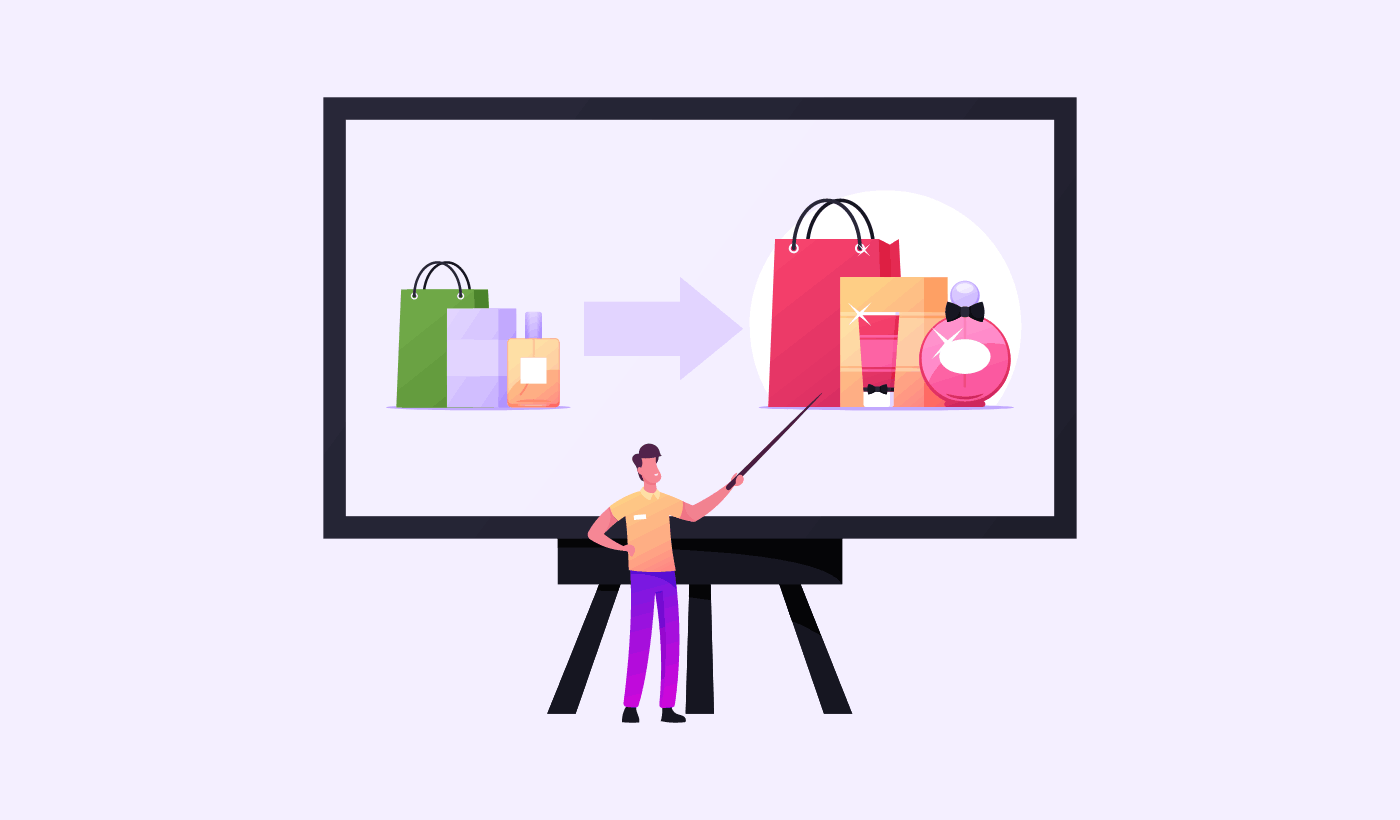
I didn’t even think about upselling when I launched my first digital product.
I had this cute little productivity planner — PDF format, minimalist design, I was proud of it. I priced it at $7 and threw it on my site. I figured people would either buy it or they wouldn’t. That was the whole “strategy.” Spoiler: I was leaving so much money on the table.
Everything changed when someone emailed me asking, “Hey, do you have a matching monthly calendar?” I didn’t… but I made one fast. That little lightbulb moment made me realize people wanted more. They just needed a nudge.
That’s when I got serious about upselling. And lemme tell you — once I found the right tools to automate and test my offers, my average order value (AOV) started creeping up like crazy.
If you’re selling digital products — ebooks, courses, templates, downloads — here are the 7 best tools I’ve used for upselling, plus what worked, what didn’t, and how to set them up without pulling your hair out.
1. Payhip (Best for Beginners Selling PDFs, Courses, and Coaching)
If you’re starting out and want something super simple, Payhip is it. You can add upsell offers right after checkout — like a “One-Time Offer” for a bundle or a coaching call.
No need to install anything extra — it’s built-in.
I use it for offering a “printable bundle” right after someone buys a single planner.
You can also upsell a course after a freebie opt-in, which is chef’s kiss.
If you want to see how to do this end-to-end, I broke it all down in my guide on how to create automated upsell funnels on Payhip from trial to triumph.
2. ThriveCart (Best for High-Converting Checkout + Upsells)
Okay, ThriveCart is a beast. If you’re doing serious volume — like multiple products or a course funnel — this tool is next-level.
One-click upsells on a separate page after checkout = genius.
You can stack multiple upsells and downsells in a funnel.
The stats dashboard is super helpful for testing offers.
Heads-up: It’s a one-time cost ($495), but I made that back in 2 months just from upsell revenue.
If you’re building more complex funnels, this also pairs well with tactics from my post on one-click upsells and how to implement them.
3. Gumroad (Great for Creators on a Budget)
I used Gumroad for years, and while it’s more basic, it does allow for add-ons at checkout — which is a low-key upsell if you pitch it right.
Think “add this $3 mini guide” right before they hit buy.
Works well for digital art, music, templates.
Tip: Write your add-on description like a must-have — not an afterthought. It makes a difference.
If you’re new to structuring upsells, check out these 7 best tips on how to increase order value with upsells.
4. ConvertKit Commerce (For Email-Based Upsells)
This one’s kind of underrated. If you’re already using ConvertKit for emails, their Commerce feature lets you sell directly inside your email — and you can offer upgrades right in the sequence.
Great for upselling a workbook after a free mini course.
I set up a “flash sale” email that offered a course upgrade for 24 hours — and 12 people bought it.
Bonus: Their automation rules make upsell timing super easy.
If you’re using email to upsell, make sure you’re pairing it with limited-time upsell offers that convert they make urgency your secret weapon.
5. WooCommerce + CartFlows (Best for WordPress Sellers)
Back when I ran a WordPress site (RIP), I used WooCommerce paired with CartFlows to build full upsell funnels.
You can design a post-checkout offer page that looks super custom.
Supports one-click upsells, order bumps, and time-sensitive offers.
Warning: It takes some setup, and plugins can be buggy — back up your site before experimenting.
6. Podia (Good All-in-One Platform for Courses + Upsells)
If you’re selling courses, webinars, or memberships, Podia has a solid upsell feature.
You can offer a course bundle or 1:1 call as an upsell.
The UI is clean, and customers stay on the same domain — trust boost!
Pro tip: Use urgency in the copy like “Get this exclusive bonus now before it disappears” — I’ve seen 20%+ conversions that way.
To boost results further, study the psychology behind successful upselling it helps you tap into buyer motivations, not just logic.
7. SendOwl (Old but Reliable for Simple Digital Product Upsells)
This one’s been around forever, and it still works great for no-frills digital sales.
You can set up a post-purchase upsell that shows immediately after the sale.
It’s lightweight and doesn’t slow down your checkout.
Drawback: The design feels a bit 2015. But hey, if it converts, it converts.
My Real Results (And What You Should Know)
The first month I added upsells to Payhip? My revenue jumped 18% — and I didn’t touch ad spend.
Here’s what worked best for me:
-
Upsell something related — not just more stuff. If they buy a planner, offer matching stickers or a Notion version.
-
Make the copy clear and benefit-driven. “Want the printable AND editable version? Add it now for just $3.”
-
Keep it simple. One offer works better than three. Don’t confuse people.
-
Oh, and test everything. What worked for me last year flopped this year. Trends shift. Buyer behavior shifts. Your offer flow has to grow with it.
Conclusion: Pick One Tool and Start Small
Don’t feel like you need all 7 tools to start upselling. Pick the one that works best for your platform — Payhip if you’re selling PDFs, ThriveCart if you’re serious about funnels, or Gumroad if you’re on a budget.
The important thing is to just start. Even a tiny upsell — like an extra $2 workbook — can add up fast if you’re getting steady sales.
You built something people want. Now help them get more out of it and get paid more in the process.