
I wasn’t expecting much from Payhip the first time I used it.
I thought it’d be like every other “all-in-one” platform: clunky, overpriced, and stuffed with features I didn’t need. But I was wrong.
Back in early 2024, I needed a way to sell an ebook and a mini course without spending hours setting up. I’d tried Teachable and Kajabi before, but both felt like overkill. A friend of mine—another digital creator—recommended Payhip. “It’s free,” she said. “Just test it out.” And that’s how the whole thing started.
Here’s what I learned after using it to sell downloads, courses, and memberships for over a year.
1. Selling Digital Downloads: Stupid Simple (In a Good Way)
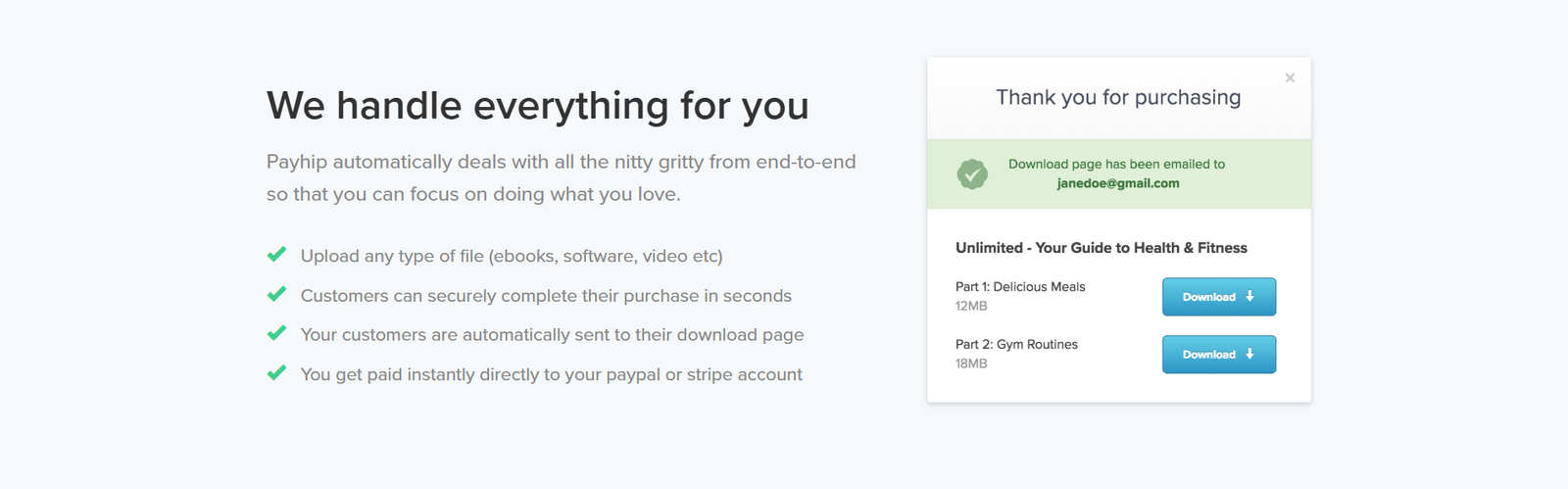
Let’s start with downloads. This part was smooth. I uploaded my ebook (a 56-page PDF), wrote a short description, added a price, and hit publish. No plugins. No weird formatting. Just clean, fast product creation.
Payhip even has PDF stamping, so when someone buys your file, it watermarks their name on each page. That was clutch. It gave me a little peace of mind when I started getting more sales and wanted to prevent sharing.
You can also set up pay-what-you-want pricing, which I tested for my audio meditations. Some people paid $0. Others paid $10. It evened out better than I expected.
My advice? Use this for templates, printables, music, and one-off guides. Upload is instant, and delivery is automatic. Just make sure your file names are clean—Payhip doesn’t rename them for you.
If you’re exploring how to maximize sales for digital products, check out this full breakdown on how to create, market, and sell digital products successfully.
2. Online Courses: Surprisingly Robust for a Free Plan
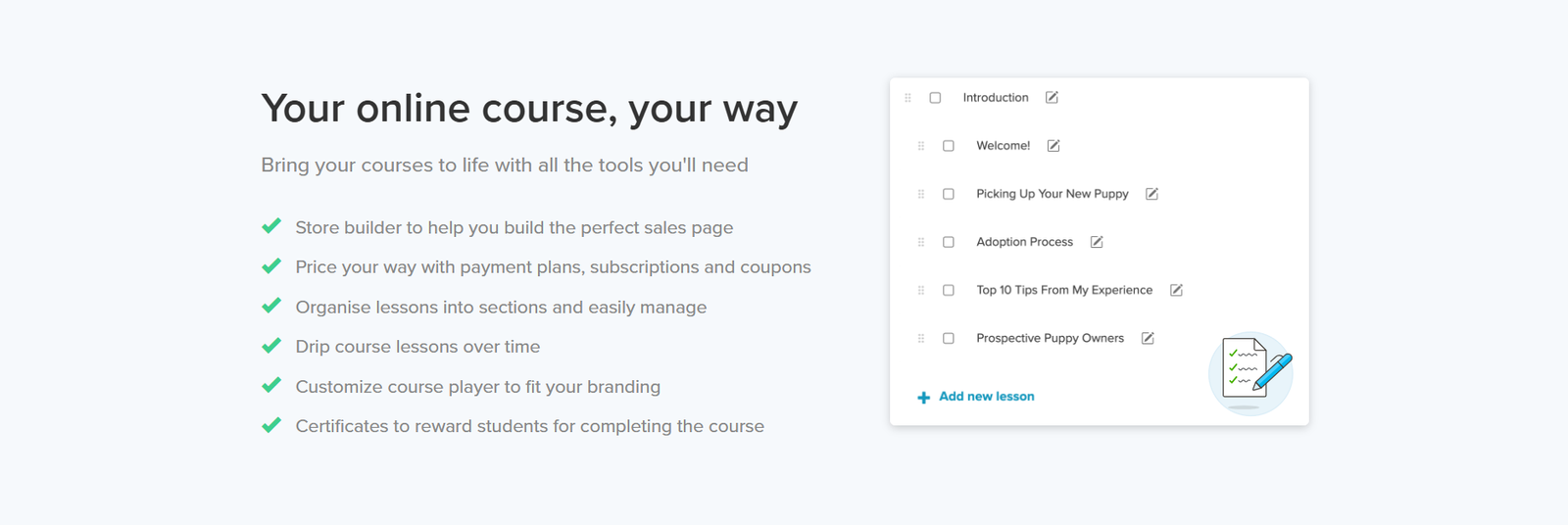
This part impressed me more than I expected. I thought, “How good could a free course builder be?” But Payhip held up.
I uploaded my video modules straight into the platform (yes, it hosts video!), added text blocks, quizzes, and even a completion certificate. You can also drip content, which is great if you’re doing weekly modules.
I didn’t use quizzes much, but I tested them just to see—and they work fine. Nothing fancy, but solid enough to reinforce learning. Plus, you can restrict lessons so people can’t jump ahead. That’s gold if you’re doing structured learning.
Design-wise, it’s not as slick as Thinkific or Kajabi. But it’s clean, mobile-friendly, and doesn’t require custom coding. That was a win in my book.
One mistake I made? I didn’t add a course thumbnail image for a week. It looked empty on the homepage. Lesson learned: always upload your branding assets—it makes your store look way more pro.
If you’re building an educational product, here’s a complete guide on how to build a profitable online course.
3. Memberships & Subscriptions: Flexible and Easy to Monetize
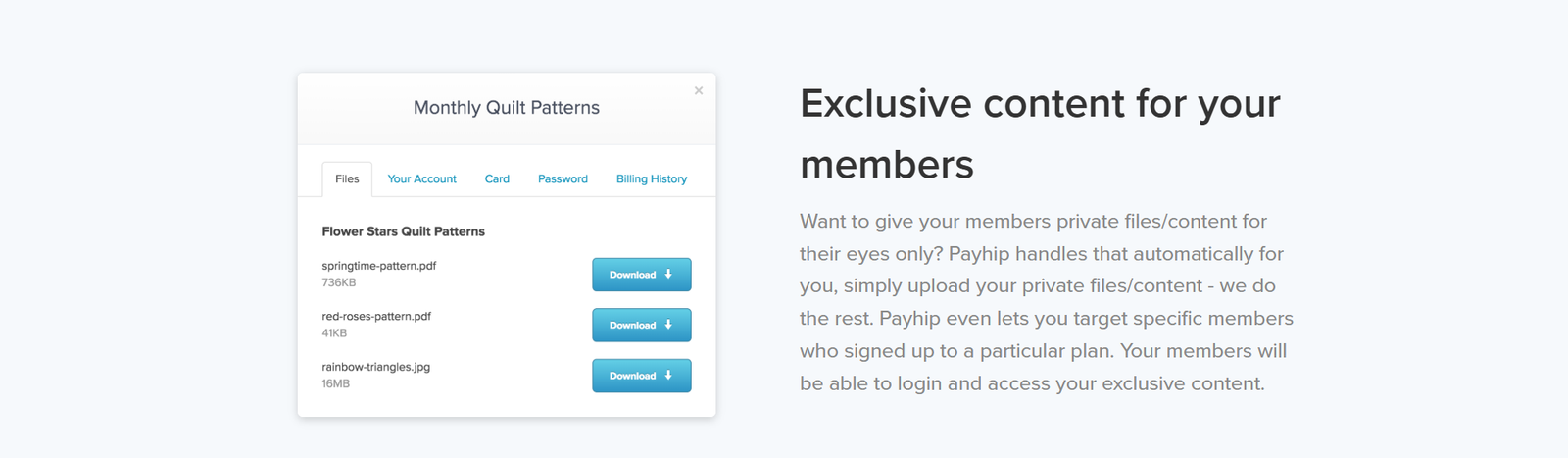
I dipped into memberships after building a small audience for my digital wellness club. With Payhip, you can offer multiple tiers, each with different pricing and access. I set up a $5/month tier for meditations and a $15/month tier with bonus workshops.
The recurring billing worked seamlessly through Stripe and PayPal, and I never had to chase payments. Once it’s set up, it just runs. You can also restrict access to posts, files, or courses based on tier.
The only hiccup? It took me a while to figure out the content visibility settings. You have to manually assign access to each tier, and I missed one post in the beginning. A few members couldn’t see what they paid for. Oops.
Once I fixed that, everything clicked. I’d say this feature is ideal for coaches, creators with regular drops (like art packs or stock photos), or anyone building a private community.
If you’re going this route, I highly recommend reading up on how to run a successful and scalable online membership.
4. Built-in Marketing Tools: The Secret Sauce
Okay, this is where Payhip shines—and I didn’t expect it.
Right out of the gate, you get:
-
Affiliate program management (I had 3 friends promoting my course within a week)
-
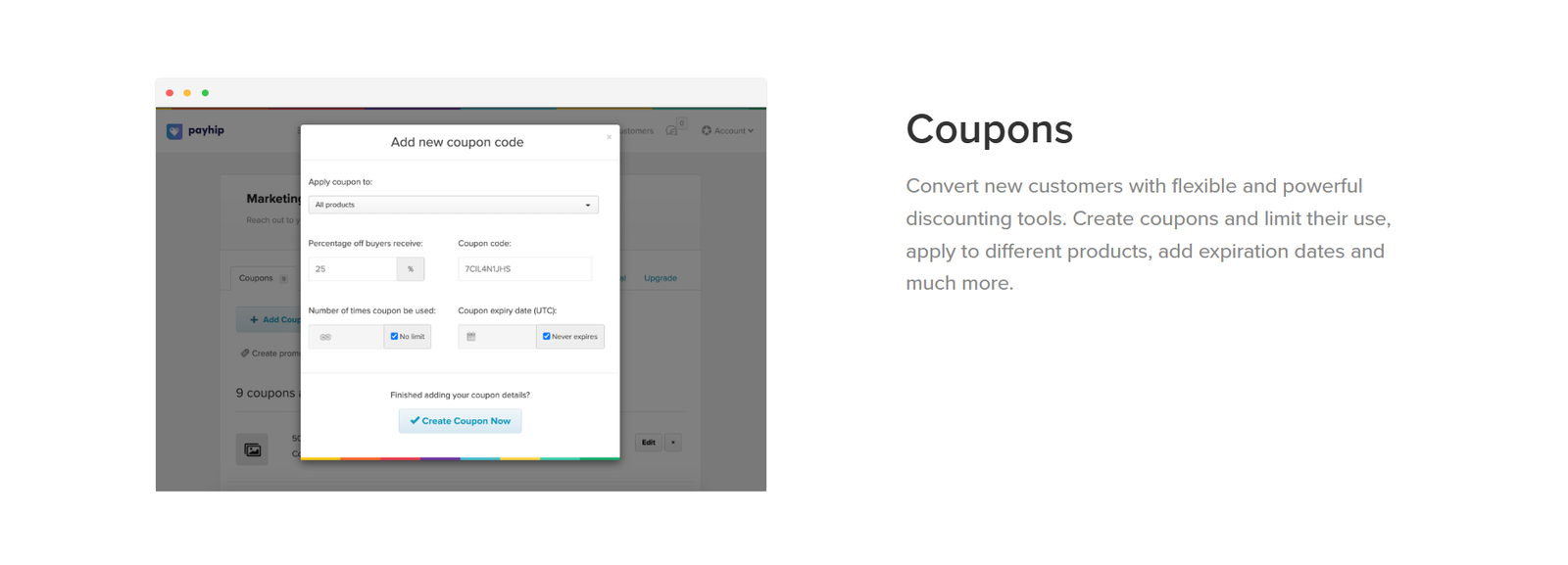
Discount codes and flash sales
-
Upsells and cross-sells (I pair my ebook with a mini course for a bundle offer)
-
Analytics dashboard showing revenue, conversion rates, and traffic sources
-
SEO settings for each product
And yes, you can connect to your email list via Zapier, though I wish it had native ConvertKit or MailerLite integration. Still, for a no-monthly-cost platform? Wildly generous.
Want to get more out of your store’s performance? Here’s a practical guide on marketing tools to grow your online business.
5. Pricing: What You Need to Know in 2025
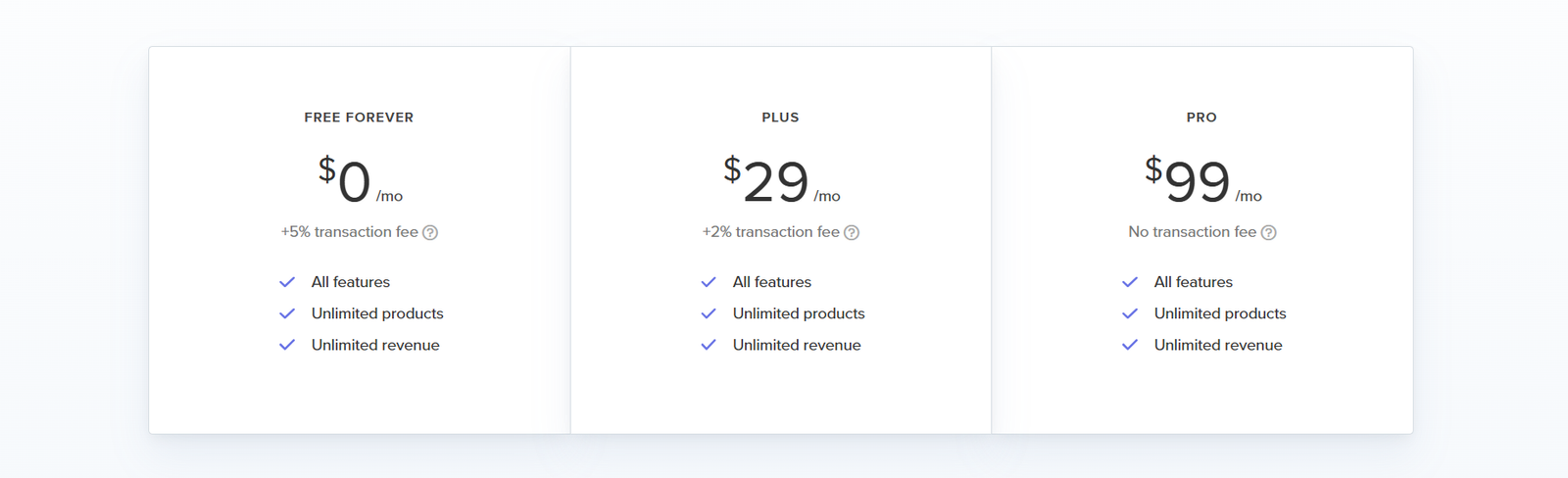
Let’s break it down:
-
Free Plan – $0/month, but 5% transaction fee
-
Plus Plan – $29/month, 2% fee
-
Pro Plan – $99/month, 0% fee
I stayed on the free plan until I started making over $1,000/month. Then I switched to Plus to save on fees. If you’re new? Free plan is more than enough. Just know that 5% can eat into big launches.
Need help setting up smooth payments? Don’t miss this step-by-step on how to set up seamless checkout for your online store.
Final Thoughts: Should You Use Payhip in 2025?
If you’re a solo creator, course teacher, or template seller, I can’t recommend Payhip enough.
It’s not perfect—design customization is limited, and it’s not ideal for teams or agencies but if you want to launch fast, keep overhead low, and have real ownership of your sales process, it’s a no-brainer.
I’ve tested tons of platforms. Most made things harder. Payhip? It just works.
My advice? Set up a test product. Give it 24 hours. You’ll know pretty fast if it’s for you.