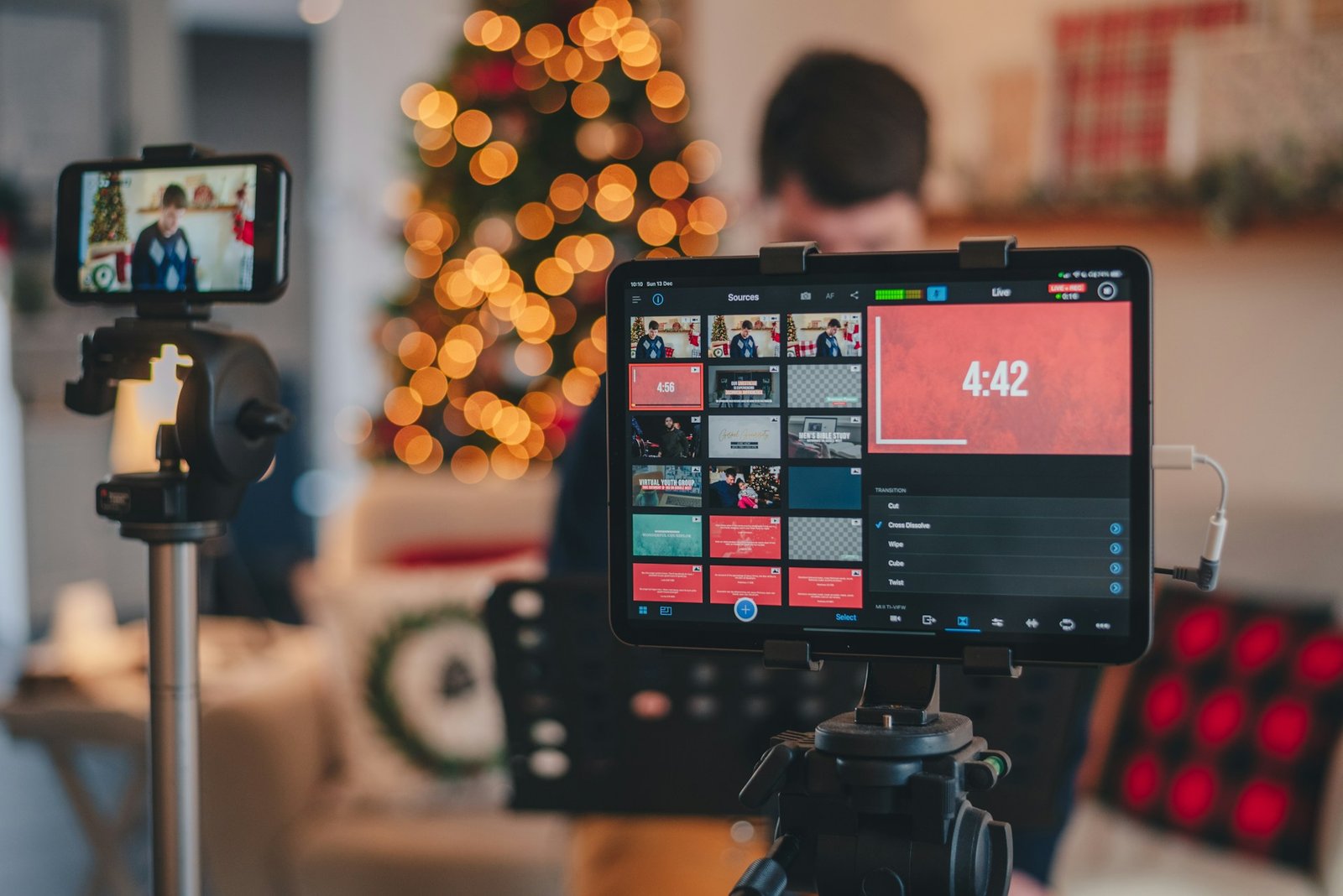
Video content used to intimidate the hell out of me.
The scripting, the editing, the planning… I’d spend hours making one video, post it, and then pray it didn’t flop. Sometimes it hit. Most times, it didn’t. The process felt like throwing spaghetti at a wall, without knowing what the wall was even made of.
Then I discovered how AI could help, not just with editing or captions, but with building an actual strategy. A video game plan based on data, trends, and what my audience was already searching for.
Step 1: Let AI Help You Choose the Right Topics
I used to sit and brainstorm video ideas based on gut feelings and what I thought people wanted. That got me some views, sure—but it wasn’t consistent.
Now, I use tools like VidIQ, TubeBuddy, and ChatGPT to research:
-
Search volume for video-related keywords
-
What’s trending in my niche
-
Which videos are underperforming that I could do better
I’ll plug in my niche—say, “email marketing for small business”—and get a list of video ideas ranked by demand and competition.
No more guessing. I pick topics that people already want.
Step 2: Build an AI-Assisted Content Calendar
After I’ve picked topics, I drop them into an AI planning tool like Notion AI or Trello + ChatGPT.
With a bit of prompting, ChatGPT helps me:
-
Group ideas into themes (e.g., beginner vs advanced content)
-
Map out publishing dates
-
Align videos with product launches or seasonal trends
It’s like having a strategist in my pocket who never sleeps or drinks too much coffee.
Step 3: Script Smarter, Not Harder
I used to spend hours writing video scripts—starting from scratch every time. Now I use AI to generate first drafts.
Here’s how:
-
I prompt ChatGPT: “Write a YouTube script outline on how to build an email welcome series.”
-
It gives me a rough intro, bullet points, and closing call-to-action.
-
I tweak it to fit my tone, add personal anecdotes, and tighten the pacing.
Boom—what used to take 3 hours now takes 30 minutes.
Plus, I use Descript’s Overdub to preview how parts of the script sound out loud. Total game-changer.
Step 4: Optimize for SEO Using AI
This part used to be a total pain—titles, tags, descriptions, hashtags. What works? What’s just fluff?
Now I let TubeBuddy or ChatGPT analyze top-performing videos and suggest:
-
Clickable titles with emotional triggers
-
SEO-rich descriptions
-
Keyword clusters to target in both video and transcript
I also run a thumbnail test using Canva’s Magic Resize + ChatGPT headline prompts. It’s helped me double my CTR on some videos, just from stronger visuals and titles.
Step 5: Repurpose Content with AI
One of the smartest things I’ve started doing? Repurposing long-form videos into short-form content. And I use AI tools like Pictory, Opus Clip, and Descript to make it stupid easy.
-
Pictory identifies the best soundbites from a video and turns them into TikTok or Reel-style clips.
-
Opus Clip adds captions, cuts the fluff, and even suggests hooks.
-
Descript helps me create audiograms or clean edits for podcasts and LinkedIn.
I’m getting 4–6 pieces of content from every one video now. That’s huge.
Mistakes I Made (So You Don’t Have To)
-
Letting AI write everything. It’s great for drafts, but it still needs you. Your voice. Your insight.
-
Ignoring analytics. I used to think “Well, I posted it, so that’s done.” Now I track performance and let the AI suggest adjustments.
-
Overcomplicating tools. Start with 1-2 tools max. Get comfortable. Then expand.
Final Thoughts: AI Doesn’t Replace Strategy—It Supercharges It
Look, AI isn’t going to magically make you go viral. But it will make your workflow smarter, faster, and more focused. And if you’re trying to build authority or sell through video content, that focus is everything.
Now, I don’t panic about what to post next. I’ve got a bank of AI-researched ideas, polished scripts, optimized uploads, and repurposing built into my process.
So yeah, if you’re still trying to wing your video content strategy… stop. Let AI do the heavy lifting on research, scripting, and optimization, so you can focus on what you do best: showing up.