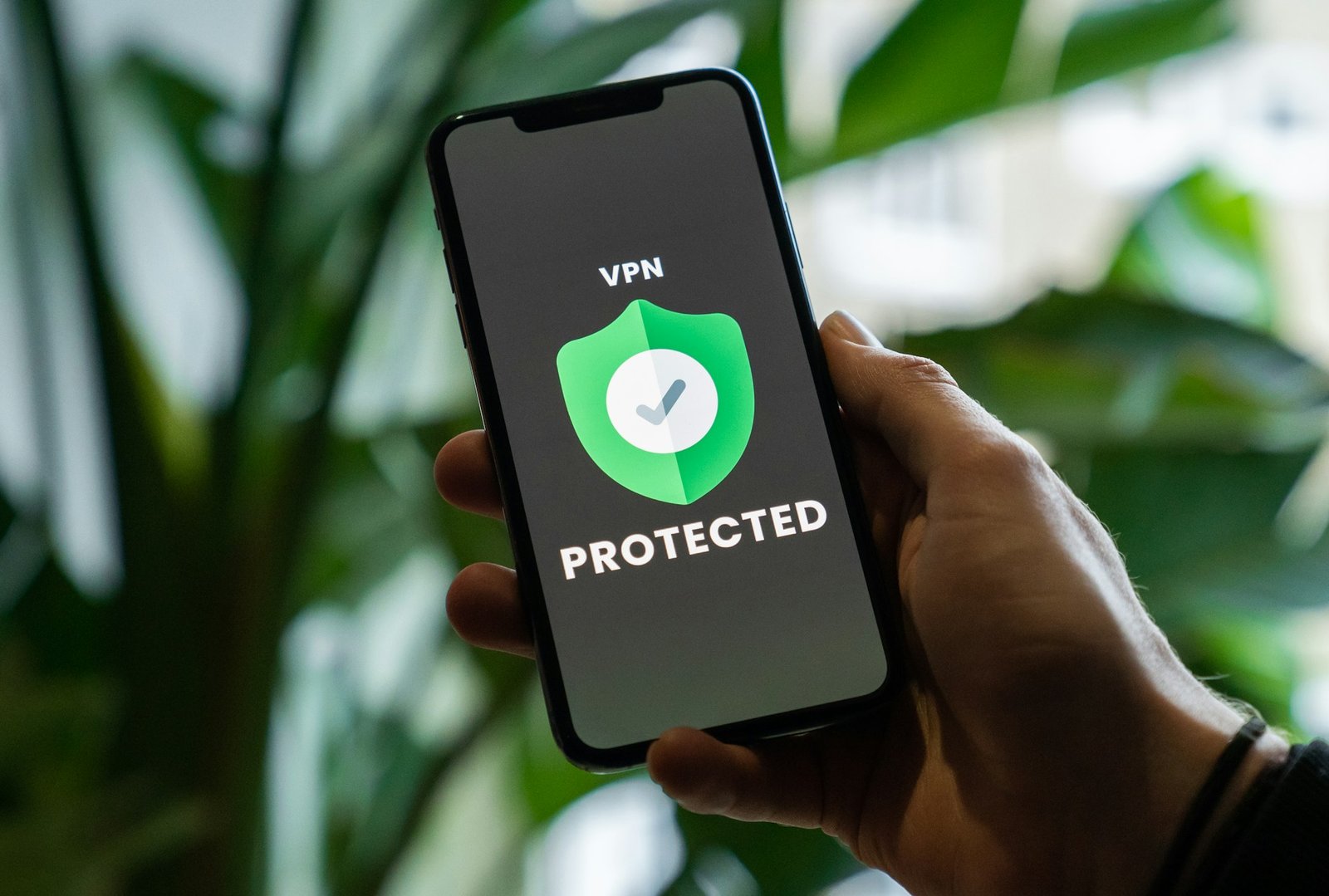
Remote work is no longer the exception—it’s the new normal.
While the flexibility is fantastic, it brings new challenges, especially when it comes to securing sensitive company data and maintaining seamless access to critical resources. This is where a VPN, or Virtual Private Network, swoops in like a superhero. Imagine it as an invisible cloak for your internet connection, shielding your data from prying eyes and ensuring you can work securely, no matter where you are.
I’ll never forget my first day working remotely. There I was, nervously logging into my company’s shared files on a public café Wi-Fi. It felt like I was juggling flaming torches, except the stakes were my company’s sensitive information. Everything changed when I set up a VPN. Suddenly, I could work worry-free, knowing my data was safe from hackers and snoops.
Key takeaway: A VPN is essential for secure remote work. It encrypts your connection, keeps your data private, and ensures safe access to your company’s network from anywhere in the world.
Why You Need a VPN for Remote Work?
1. It Protects Sensitive Data
When working remotely, your data can be an easy target, especially if you’re using public Wi-Fi.
- Encryption: VPNs use military-grade encryption to keep your information out of the hands of hackers.
- Privacy: By masking your IP address, VPNs make sure your online activities stay private, whether you’re working from a café or your living room.
Learn more about the benefits of VPNs for remote work.
2. It Gives You Secure Access to Company Resources
Working remotely often means accessing sensitive company files and tools. Without proper protection, you’re leaving the door open for cyber threats.
- Secure File Sharing: With a VPN, you can safely access and share files without worrying about data breaches.
- Access Control: VPNs ensure that only authorized users can enter your company’s network.
Check out this detailed guide on secure remote access VPNs for more insights.
3. It Keeps Your Internet Fast and Stable
Have you ever noticed your internet slowing down during video calls or large file uploads? Internet Service Providers (ISPs) sometimes throttle your connection based on your usage. A VPN prevents this, ensuring a smoother work experience.
See how VPNs beat ISP throttling and keep your work uninterrupted.
Setting Up a VPN for Remote Work
Getting started with a VPN doesn’t require you to be a tech genius. Here’s how to set it up:
Step 1: Pick the Right VPN
Look for a VPN that’s secure, fast, and easy to use. Some great options include:
- NordLayer: Known for top-notch security and scalability.
- Perimeter 81: Designed for team-based remote work.
- ExpressVPN: Perfect for beginners with its intuitive interface.
Step 2: Install the VPN Software
Download the app onto all your work devices—your laptop, phone, and tablet. For teams, IT admins can pre-configure the software for seamless deployment.
Step 3: Configure the Settings
- Server Selection: Choose a server close to your company’s location to minimize lag.
- Essential Features:
- Kill Switch: Keeps your connection secure if the VPN drops.
- Split Tunneling: Directs only work-related traffic through the VPN, saving bandwidth.
Get more tips from this step-by-step VPN setup guide.
Step 4: Connect and Work Securely
Log in, choose your server, and click “connect.” Voilà! Your internet traffic is now encrypted, and you’re ready to work without worries.
Real-Life Scenarios Where a VPN Saves the Day
- Scenario 1: Working from Public Wi-Fi
Picture yourself sipping coffee at a café while accessing sensitive files. Without a VPN, your data is a sitting duck for hackers. With a VPN, you’re safe. - Scenario 2: Traveling for Work
Ever tried accessing your company’s tools abroad, only to find they’re geo-blocked? A VPN lets you bypass those restrictions by connecting to a server in your home country.
Explore how VPNs enable seamless remote connectivity while traveling.
- Scenario 3: Collaborating Across Borders
Your global team can securely access shared tools and drives, no matter where they are, thanks to a VPN.
Quick Tips to Optimize Your VPN
- Choose the Right Server: Servers close to your company’s location offer better speeds.
- Test Your Connection: Run speed tests to ensure smooth performance.
- Enable Auto-Connect: Set your VPN to turn on automatically when you connect to the internet.
For more advice, explore our best VPN practices for remote teams.
Conclusion
Working remotely doesn’t have to mean compromising on security. A VPN lets you protect sensitive data, access company resources safely, and even overcome pesky internet restrictions.
From my own experience, setting up a VPN turned remote work from a security nightmare into a seamless and stress-free process. Whether you’re in a bustling café, your cozy home office, or halfway across the globe, a VPN ensures your work stays private and secure.
So, what are you waiting for? Secure your connection and elevate your remote work game with a VPN today. Check out our top-rated VPNs for remote work security to get started.