Our smartphones and tablets are more than just gadgets—they’re lifelines.
From streaming our favorite shows to managing work tasks, we rely on them for everything. But with convenience comes risk: cyber threats, privacy breaches, and vulnerable connections. In today’s hyper-connected world, securing your mobile device isn’t just a luxury; it’s a necessity.
So, what’s the best way to protect your data on the go? Should you choose a VPN (Virtual Private Network) or a proxy? Let’s break it down in a way that makes sense for your everyday mobile use.
1 First, What’s the Difference?
To make an informed decision, you need to know how VPNs and proxies work:
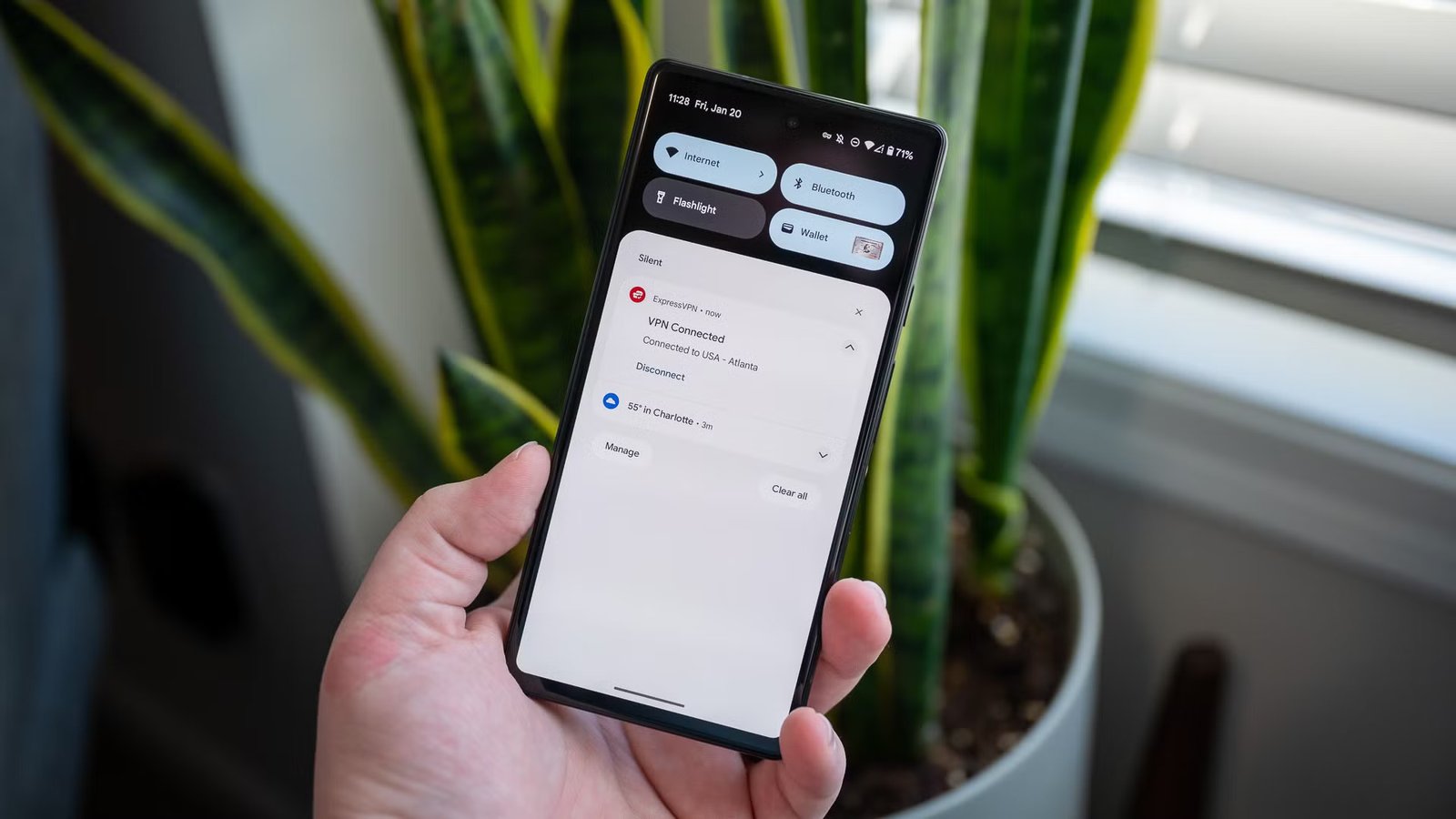
- VPNs (Virtual Private Networks): Think of a VPN as a secure tunnel between your device and the internet. It encrypts all your data and routes it through a remote server, hiding your IP address and keeping your information private.
- Proxies: Proxies act like middlemen. They reroute your traffic through their server, changing your IP address and letting you access restricted content. But they usually stop short of providing comprehensive security.
In short, VPNs are your armored car, while proxies are more like a disguise.
2 Why VPNs Are the Mobile Hero?
When it comes to security and privacy, VPNs are the ultimate sidekick for your mobile device. Here’s why:
- Your Data, Encrypted and Safe
Imagine you’re sending postcards through a secure envelope instead of an open card for everyone to read. That’s what VPNs do. By encrypting your data, they make it unreadable to prying eyes, whether it’s hackers on public Wi-Fi or trackers online. - Privacy Like a Pro
VPNs mask your IP address, meaning advertisers and websites can’t follow your every move. Want to binge your favorite show without ads tailored to your browsing history? A VPN has your back. - Public Wi-Fi, Without the “Public” Risk
We’ve all connected to public Wi-Fi at coffee shops or airports, but did you know these networks are hotspots for cybercriminals? A VPN creates a secure tunnel for your data, making it impenetrable—even on untrustworthy networks. - Access Anything, Anywhere
Want to watch a Netflix series that’s only available in another country? VPNs let you bypass geo-restrictions and access content as if you were there. - Work From Anywhere, Securely
Remote work isn’t just a trend; it’s the new norm. With a VPN, you can access your company’s resources securely and collaborate without worrying about compromising sensitive information.
For a more detailed look, check out this guide on secure remote work with VPNs.
3 When Proxies Might Be Enough?
While VPNs are the gold standard for security, proxies can be handy in specific situations:
- Access Geo-Restricted Content
If all you need is to view a website that’s blocked in your region, a proxy can help you get there. But remember, it won’t protect your data while you browse. - Budget-Friendly Browsing
Proxies are often cheaper than VPNs, making them a quick fix for light use cases. However, the cost savings come at the expense of robust security. - Single-Use Scenarios
Proxies shine when you need something simple, like bypassing a content block for a one-time task. But for ongoing protection, they fall short.
Learn more about proxies vs. VPNs for secure browsing to understand their limitations.
4 How to Choose Your Security Superpower?
- Choose a VPN if: You want all-around protection, data privacy, and the freedom to browse without fear. VPNs are ideal for public Wi-Fi users, remote workers, and anyone who values privacy.
- Choose a Proxy if: Your needs are minimal, like accessing a blocked website or bypassing simple restrictions.
For those still unsure, explore our beginner’s guide to VPNs and proxies to weigh your options.
The Bottom Line
IProtecting your data is non-negotiable. VPNs provide a robust, all-encompassing solution for security, privacy, and access. They’re your digital armor for browsing, streaming, and working from anywhere. Proxies, while useful in niche cases, just can’t compete when it comes to keeping your data safe.
If peace of mind matters to you, go with a VPN and browse with confidence. After all, your mobile device is your lifeline—make sure it’s protected like one.
Curious about setting up a VPN? Check out this step-by-step guide and take the first step toward a safer online experience.