My biggest concern was figuring out how to stay productive without Netflix distracting me when I started working remotely.
I wasn’t thinking about cybersecurity, I just wanted my Wi-Fi to work and Zoom to stop freezing.
But that changed fast the first time I opened a client dashboard at a coffee shop and realized… maybe using public Wi-Fi to log into sensitive accounts wasn’t the best idea. It hit me: working from anywhere also means exposing your data everywhere — unless you’ve got the right security setup.
That’s when I fell down the rabbit hole of VPNs vs proxies. I’d heard both terms thrown around like they were interchangeable, but spoiler alert: they’re not. And if you’re navigating remote work life — whether solo or managing a small team — understanding the difference can save you a world of trouble.
What Is a Proxy and When Does It Actually Help?
A proxy server acts like a middleman. When you connect to a site through a proxy, the request goes through a different server before it hits the internet. Your IP address gets masked, and the website only sees the proxy’s IP — not yours.
Sounds handy, right? And it is… to a point.
I used to use a basic proxy extension in Chrome when testing geo-targeted ads or trying to access region-locked content. It did the job. But that’s the key: proxies are usually best for lightweight, specific tasks — not for full-blown data security.
-
Good for: Hiding your IP, bypassing geo-restrictions, quick anonymity.
-
Not great for: Encrypting your data or protecting sensitive info.
Think of it like putting on a disguise. You look different, but your personal stuff’s still hanging out there for anyone snooping the network.
What’s a VPN and Why It’s the Gold Standard for Remote Work?
Okay, now let’s talk VPNs — or Virtual Private Networks. This was a game-changer for me.
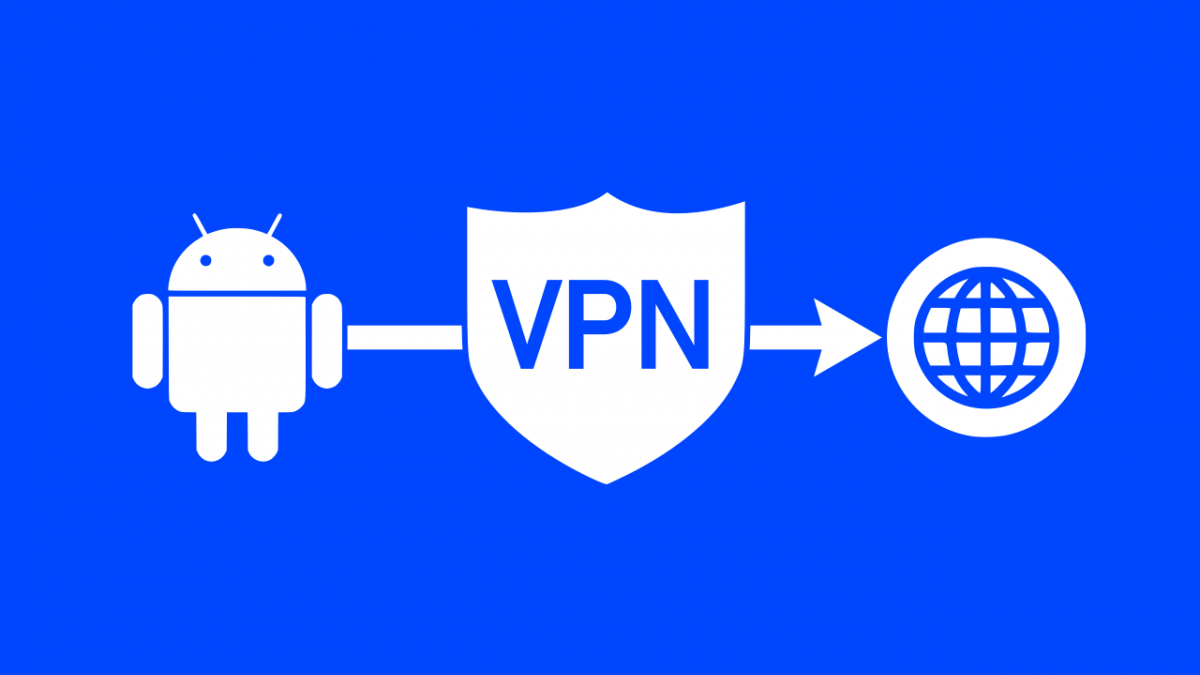
A VPN not only hides your IP like a proxy, but it also encrypts all your traffic. That means if someone tried to snoop on your connection at a Starbucks or airport lounge, they’d see nothing but gibberish.
I switched to using a VPN full-time when I started handling client logins, financial docs, and private email servers. With a VPN running in the background, my connection is locked down — even if I’m on hotel Wi-Fi or a random hotspot.
-
Good for: Encrypting all traffic, securing public Wi-Fi, accessing sensitive systems.
-
Downsides: Slightly slower speeds, some cost (but totally worth it).
It’s like a tunnel through the internet. No one can peek inside, not even your internet provider.
VPNs vs Proxies: Real-World Differences I’ve Noticed
Here’s the stuff they don’t always tell you in comparison blogs:
-
Speed: Proxies are faster sometimes because they don’t encrypt data. But I’ve had good VPN services (like NordVPN or ExpressVPN) that barely slow me down.
-
Security: Hands down, VPNs win. Proxies might hide your IP, but VPNs protect everything — login credentials, bank info, private docs, all of it.
-
Setup: Proxies are often browser-based, easy to plug in. VPNs can be app-based or system-wide. It’s one extra step, but totally manageable.
-
Reliability: I’ve had proxies drop randomly and expose my real IP. Never happened with a VPN.
So if you’re just trying to watch a YouTube video that’s blocked in your country? A proxy might cut it. But if you’re handling client files, accessing CRM tools, or sending sensitive contracts? Don’t mess around, get a VPN.
My Remote Work Setup Today
I run a full VPN on all devices — laptop, phone, even my iPad. I use NordVPN because it’s fast, has a kill switch (meaning it’ll shut down internet access if the VPN fails), and works across platforms. Other folks I know swear by Surfshark or ProtonVPN.
I also keep proxy tools on hand for simple stuff like previewing ads from another country or running browser tests. But they’re sidekicks — not security solutions.
And here’s a pro tip: combine VPN use with two-factor authentication and a password manager (I use 1Password). It’s like building a little security fortress around your remote life.
Final Thought
If remote work has taught me anything, it’s that convenience and risk often go hand-in-hand. But securing your online activity doesn’t have to be complicated — or expensive.
VPNs are your first line of defense. Proxies? Useful, but not nearly enough on their own.
So don’t wait until your data’s floating around on some sketchy server. Lock it down now. Your clients will thank you. Your business will be safer. And honestly, you’ll sleep better knowing you’re not one Wi-Fi connection away from disaster.