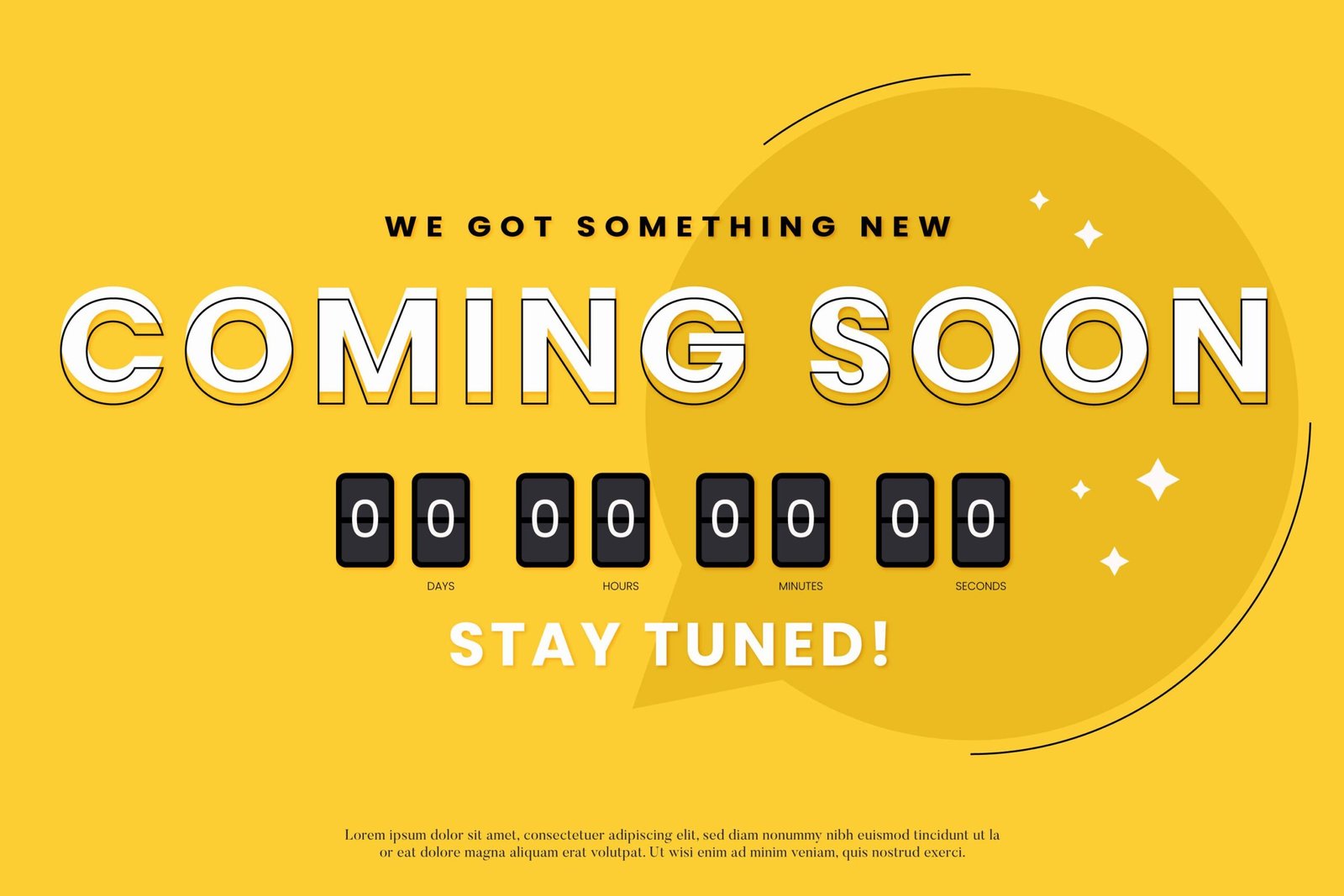
Countdown timers in e-commerce emails are like a ticking clock that instantly grabs attention and creates a sense of urgency.
They’re a visual cue that says, “Act now, or you’ll miss out!” When used effectively, countdown timers can significantly boost engagement, drive conversions, and make your email campaigns more impactful. But there’s an art to using them effectively. Let’s explore how you can leverage countdown timers in your e-commerce emails to get the best results.
Why Use Countdown Timers?
The psychology behind countdown timers is simple but powerful: scarcity and urgency. When people see that time is running out, they’re more likely to act quickly to avoid missing out on a deal. This strategy is especially effective in e-commerce, where urgency can nudge customers toward completing a purchase they might otherwise delay.
Countdown timers also add a dynamic, engaging element to your emails. They catch the eye and break up static content, making your message stand out in a crowded inbox. For more tips on crafting compelling emails, check out our guide on how to create urgency in e-commerce promotional emails.
Types of Countdown Timers to Use
There are several types of countdown timers you can use in your e-commerce emails, each serving a different purpose. Here are a few popular options:
- Sale Countdown: Perfect for reminding customers about limited-time offers, such as a flash sale.
- Event Countdown: Build anticipation for webinars, product launches, or exclusive sales events.
- Shipping Deadline Countdown: Ideal during the holiday season to urge customers to order in time for guaranteed delivery.
- New Product Launch Countdown: Use this to build excitement and drive pre-orders.
- Cart Abandonment Countdown: Encourage customers to complete their purchases by showing how much time is left before their cart expires. For more ideas, explore our tips on how to increase e-commerce sales with abandoned cart emails.
Best Practices for Using Countdown Timers
1. Keep It Relevant
Ensure the countdown timer directly aligns with the email’s content. If you’re promoting a flash sale, the timer should clearly count down to its end. Misleading timers can erode customer trust.
2. Place It Prominently
Display the countdown timer prominently, ideally at the top of your email. Pair it with a clear call-to-action (CTA) like “Shop Now” or “Claim Your Deal.” Check out our recommendations for best practices for creating e-commerce promotional emails.
3. Use Clear, Compelling Language
Accompany your timer with text that emphasizes urgency. Phrases like “Hurry, only [X] hours left!” or “Sale ends soon!” work well to encourage action.
4. Test Different Timeframes
Experiment with short and long countdown durations to determine what resonates best with your audience. For example, a 24-hour flash sale might benefit from a countdown by the second, while a week-long promotion could use a daily countdown.
5. Complement with Strong CTAs
Countdown timers create urgency, but a strong CTA seals the deal. Make your CTA action-oriented, such as “Shop Now” or “Claim Your Discount.” For inspiration, check out our tips on how to use dynamic content in e-commerce emails.
Examples of Countdown Timers in Action
1. Holiday Sales
Use countdown timers during major shopping events like Black Friday or Cyber Monday to show customers how much time is left to grab the best deals.
2. Limited Stock Alerts
When running low on a popular item, include a timer to show how quickly the stock is depleting. Pair this with our guide on how to use scarcity tactics in e-commerce emails for maximum impact.
3. Cart Abandonment Recovery
Send a follow-up email featuring a countdown timer to show how much time is left before an offer expires or items are removed from the cart.
4. Early Bird Discounts
For product launches or events, use an early bird discount with a countdown timer to encourage quick sign-ups or purchases.
How to Implement Countdown Timers?
Adding a countdown timer to your emails is easy with the right tools. Platforms like Klaviyo, Mailchimp, and ActiveCampaign offer built-in countdown timer features or integrate seamlessly with third-party tools.
When setting up your timer, customize it to match your brand’s style and tone. Choose the right colors, fonts, and messaging to align with your brand identity. Ensure the timer displays correctly across devices and email clients. For more insights, visit our guide on how to create drip campaigns that convert.
Final Thoughts: Urgency That Converts
Countdown timers are more than a flashy gimmick—they’re a proven tool for driving conversions. By adding urgency and relevance, they motivate customers to act quickly, whether it’s making a purchase, signing up for an event, or taking advantage of a special offer.
The key to success lies in relevance, accuracy, and strong calls-to-action. When used effectively, countdown timers can transform your e-commerce email campaigns, making them more engaging and impactful. So, next time you’re planning an email campaign, consider adding a countdown timer and watch your conversions soar!