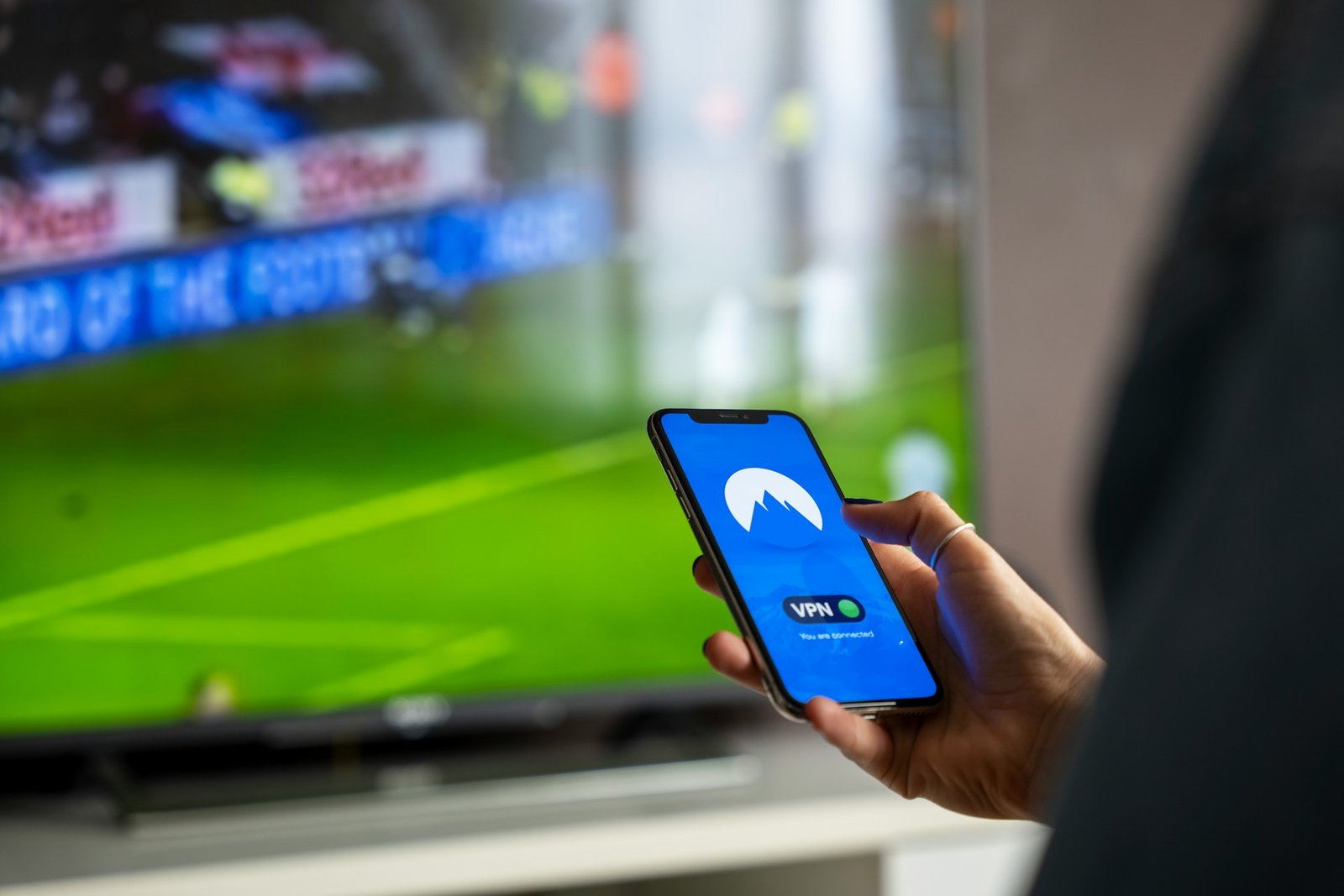
Streaming is how many of us unwind, but ever hit that frustrating “This content is not available in your region” message?
Or noticed slower speeds while binge-watching? It’s not just annoying—it’s limiting. The solution? A Virtual Private Network (VPN). A VPN not only lets you bypass geo-restrictions but also protects your connection and keeps your viewing habits private. When I first started using a VPN on my streaming devices, it was a game-changer. From accessing international Netflix libraries to avoiding ISP throttling, I quickly realized what I’d been missing. Setting it up was easier than I thought, and now I can’t imagine streaming without one.
Key takeaway: A VPN on your streaming devices unlocks a world of content, protects your privacy, and ensures you stream securely and smoothly from anywhere.
Why You Need a VPN for Streaming?
Here’s why a VPN is the ultimate tool for streaming enthusiasts:
Benefits of a VPN for Streaming:
- Access Geo-Restricted Content: Watch shows and movies available in other countries.
- Avoid ISP Throttling: Stop your internet provider from slowing down your connection during streaming. Learn more about how VPNs prevent ISP throttling.
- Secure Your Connection: Protect your data and privacy while using apps on Smart TVs or other devices.
- Bypass Content Blocks: Get around restrictions on platforms like Hulu, Disney+, or BBC iPlayer.
By using a VPN, you can experience unrestricted streaming benefits on any platform.
How to Set Up a VPN on Popular Streaming Devices?
Setting up a VPN varies depending on the device you’re using. Let’s break it down:
1. Smart TVs (Android TV or Google TV)
Many Smart TVs come with native support for VPN apps.
Steps:
- Choose a VPN Provider:
- NordVPN: Great for fast streaming speeds.
- ExpressVPN: User-friendly with excellent unblocking capabilities.
- Surfshark: Affordable with unlimited device support.
- Download the VPN App:
Go to your TV’s app store and search for your VPN provider. - Log In and Connect:
Open the app, log in, and choose a server in the region you want to access. - Start Streaming:
Open your favorite streaming app and enjoy unrestricted content.
2. Amazon Fire Stick/Fire TV
Amazon Fire devices are VPN-friendly, making it easy to set up.
Steps:
- Install the VPN App:
Navigate to the Apps section on your Fire device and download your VPN provider’s app. - Log In and Connect:
Launch the app, log in, and select a server. - Enable the VPN:
Ensure the VPN is connected before opening your streaming app.
By setting up a VPN on devices like Fire Stick, you can also enhance streaming security.
3. Gaming Consoles (PlayStation, Xbox)
Gaming consoles don’t support VPN apps directly, but you can still use a VPN by setting it up on your router.
Steps to Set Up on a Router:
- Choose a Router-Compatible VPN:
Ensure your provider supports manual configuration. - Configure Your Router:
Log into your router’s admin panel and input the VPN details provided by your provider. - Connect Your Console to the Router:
Use your console’s Wi-Fi settings to connect to the VPN-enabled network.
Tips for Optimizing Your VPN for Streaming
- Choose a Fast Server: Connect to servers optimized for streaming to avoid buffering.
- Enable Split Tunneling: Route only streaming traffic through the VPN for better performance.
- Test Speeds: Use speed test tools to find the fastest servers.
- Keep Your VPN Updated: Ensure you’re using the latest version of the app for optimal performance.
For more insights on using VPNs effectively, check out this guide to unlocking the internet with VPNs.
Troubleshooting Common VPN Issues for Streaming
Buffering or Slow Speeds:
- Switch to a server closer to your location.
- Choose a server specifically labeled for streaming.
Streaming Service Not Working:
- Clear your cache and cookies on the app or device.
- Connect to a different server in the same region.
Device Compatibility Issues:
- Use a VPN-enabled router to cover all devices on your network.
- For advanced setups, follow this step-by-step VPN configuration guide.
Conclusion
Setting up a VPN on your streaming devices unlocks a world of possibilities. From accessing international content libraries to keeping your connection secure, a VPN ensures you enjoy streaming without limitations.
I’ve found that once you’ve experienced VPN-enabled unrestricted content, there’s no going back. Ready to transform your streaming experience? Pick a VPN, follow the steps above, and start binge-watching like never before.