


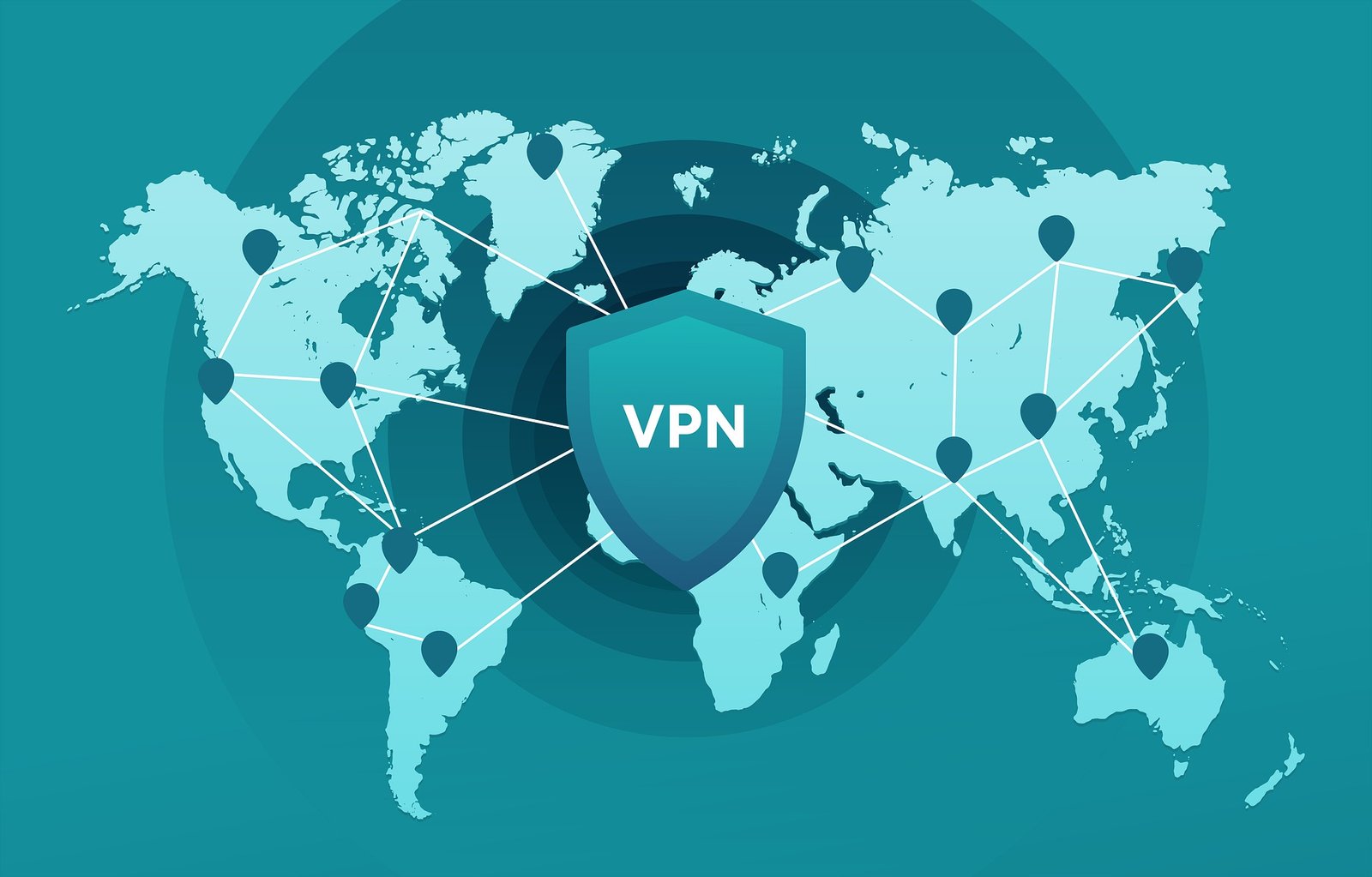
If you’re here, you probably know that online privacy matters.
Maybe you’re worried about snoops on public Wi-Fi, protecting sensitive information, or just streaming your favorite shows without those annoying “Not available in your region” messages. Whatever your reason, a VPN (Virtual Private Network) is the key to unlocking a safer, freer internet.
But if setting up a VPN feels a little overwhelming—don’t sweat it. I’ve been there, staring at all those buttons and settings, wondering if I was one wrong click away from breaking the internet. Spoiler alert: I didn’t. Setting up a VPN is way easier than it seems, and once you’re up and running, you’ll wonder how you ever lived without one.
Why a VPN Is a Must-Have?
Before we dive into the setup, let’s talk about why you need a VPN. A VPN encrypts your online traffic, protects your data from hackers, and lets you access content worldwide. Whether you’re at a coffee shop, planning a trip, or working remotely, it’s your digital security blanket.
For a deeper dive into how VPNs safeguard your data, check out Enhancing Online Security with VPNs: Your Shield in the Digital World.
Step 1: Pick the Right VPN Provider
Think of this step like choosing the perfect pair of shoes—you want something that fits your needs. Here’s what to look for:
- Strong Security: Look for encryption like AES-256, a kill switch, and DNS leak protection.
- Speed: A slow VPN is the worst. Pick a provider with fast servers.
- No-Logs Policy: You want privacy, so ensure the VPN doesn’t store your data.
- Compatibility: Make sure it works on all your devices—laptop, phone, tablet, etc.
Top picks include ExpressVPN (super user-friendly), NordVPN (strong on security), and Surfshark (affordable and great for families).
For more tips on choosing the right provider, head over to Setting Up a VPN for Maximum Privacy: Your Comprehensive Guide.
Step 2: Sign Up and Download the App
- Go to the VPN provider’s website and pick a plan—monthly, yearly, or longer.
- Create an account with your email and payment info.
- Download the app onto all the devices you’ll use, like your laptop or smartphone.
It’s as easy as downloading an app from the App Store or Google Play.
Step 3: Install and Launch Your VPN
Here’s where the magic happens:
- Open the downloaded file and follow the installation prompts (yes, just click “Next” a few times).
- Log in with your account credentials.
- Grant the necessary permissions so the VPN can tweak your network settings.
If you hit a snag, no worries—check out Troubleshooting VPN Setup Issues: Your Guide to a Smooth Connection for quick fixes.
Step 4: Customize Your Settings
Now that your VPN is up and running, let’s make it work for you:
- Choose a Protocol: Protocols like WireGuard or OpenVPN balance speed and security.
- Enable the Kill Switch: This ensures no data leaks if the VPN connection drops.
- Auto-Connect: Let your VPN start automatically when you go online.
- Split Tunneling: Decide which apps or sites bypass the VPN if needed.
Not sure about these settings? Learn how to optimize them by visiting VPN Setup for Remote Work: Securely Connecting to Your Company’s Network.
Step 5: Connect to a Server
You’re almost there! Open your VPN app and:
- Choose a server:
- Nearby servers = faster speeds.
- Servers in other countries = access to geo-blocked content.
- Click “Connect.” Wait for the app to confirm you’re connected (usually with a green light or message).
Pro Tip: To unlock content from anywhere, see VPN for Streaming Benefits: Unblocking Geo-Restricted Content with Ease.
Step 6: Test Your VPN Connection
Before you go on your merry way, make sure your VPN is working properly:
- Check Your IP Address: Visit WhatIsMyIP.com to ensure your IP matches the VPN server location.
- Test for DNS Leaks: Use DNSLeakTest.com to confirm your traffic is secure.
Real-Life Reasons You’ll Love Your VPN
- Public Wi-Fi Protection: Whether you’re working at a café or waiting at the airport, a VPN keeps hackers out of your data.
- Global Streaming Access: Say goodbye to “This content isn’t available in your region.” A VPN unlocks shows and movies from anywhere.
- Faster, Throttle-Free Browsing: If your ISP slows down streaming or gaming, a VPN keeps your speeds smooth and consistent.
Learn more about the benefits by visiting Unshackling the Internet: How VPNs Grant You Digital Freedom.
Troubleshooting Common Issues
- Slow Speeds: Switch to a closer server or try another protocol like WireGuard.
- Connection Drops: Update your app or connect to a different server.
- Blocked Sites: Some sites block VPN traffic—try another server or enable obfuscation settings.
Why a VPN Is Worth It?
Setting up a VPN isn’t just about protecting your data—it’s about gaining control over your online experience. From secure browsing to unrestricted access, it’s a tool that pays off every time you click “Connect.”
If you’re still wondering why you should bother, take a look at Enhancing Online Security with VPNs: Your Shield in the Digital World.
Ready to dive in? Set up your VPN today and experience the internet the way it was meant to be: open, secure, and on your terms. Your future self will thank you.



