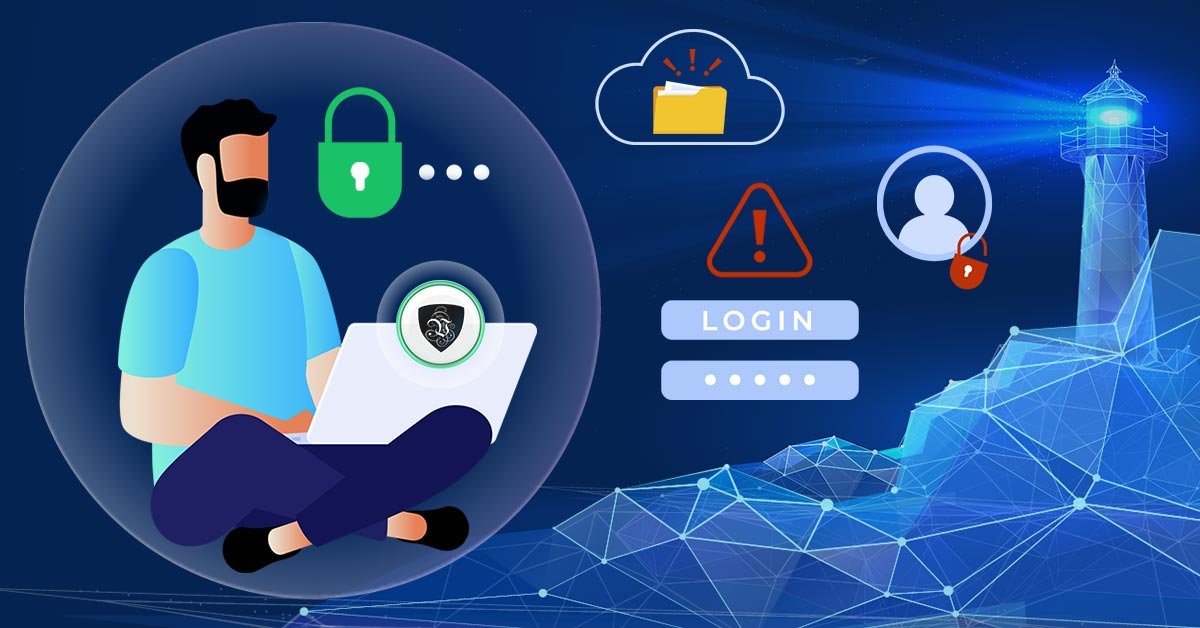
You’ve been working remotely for a while now, and things are mostly smooth. Zoom works. Email’s fine.
You’ve even got your favorite coffee shop corner. But then something weird happens. You try logging into your company’s internal dashboard… and get slapped with a security error. Or worse, your connection drops right in the middle of a client call.
Yeah. Been there. And it’s exactly why I went down the rabbit hole of finding the best VPN for remote access.
Spoiler: Not all VPNs are created equal, especially if you’re trying to run a business, access secure files, or avoid spotty connections while traveling. Let me walk you through what I’ve learned (sometimes the hard way), the tools I’ve tried, and what I’d recommend for different remote work setups.
Why Remote Access Needs a Real VPN? Not Just Any VPN
First off, let’s clear something up. A VPN (Virtual Private Network) isn’t just for streaming Netflix from another country or hiding your IP from marketers. For remote work, a VPN is your secure tunnel — it keeps your internet connection encrypted and private, especially if you’re working on public Wi-Fi or accessing sensitive files.
But here’s where most people go wrong: they grab the first cheap VPN they see, thinking it’ll do the job. And then they wonder why it’s slow, disconnects every few hours, or sets off alarms in their company’s IT system.
When you’re working remotely and need reliable, secure access to servers, internal tools, or client dashboards, your VPN needs to be:
-
Fast and stable
-
Easy to set up across devices
-
Trusted by businesses, not just casual users
-
Compliant with security standards (yes, even GDPR or HIPAA if needed)
The Ones I’ve Actually Used And How They Stack Up?
1. NordLayer (for Teams and Small Businesses)
I started using NordLayer after a friend in tech security recommended it. It’s built off the same foundation as NordVPN (which you’ve probably heard of), but this one’s designed for remote teams and business use.
What I like:
-
Dedicated IP options — fewer connection issues with platforms that block VPNs
-
Centralized control panel for managing team access
-
Works seamlessly across laptops, phones, and tablets
Best for: Remote teams, startups, and freelancers who need serious security and simple setup.
2. Perimeter 81 (for IT Admins and High-Security Needs)
This one’s a bit more technical, but if you’re dealing with sensitive data or have a growing remote team, it’s a beast. One client I worked with in finance uses it to manage access to their internal network — and they love it.
What I like:
-
Cloud-based with solid endpoint control
-
Integrates well with identity providers (like Okta, Azure AD)
-
You can build out secure access rules without a full IT department
Best for: Remote teams with IT resources or anyone in legal, healthcare, or finance.
3. ExpressVPN (for Speed and Simplicity)
ExpressVPN is the one I personally used while working remotely abroad for three months. It’s not specifically built for businesses, but for solo remote workers? Amazing.
What I like:
-
Crazy fast, even on public hotel Wi-Fi in Southeast Asia
-
One-click setup on any device
-
Solid encryption and privacy policies
Best for: Freelancers, solo remote workers, digital nomads.
4. Surfshark (Budget-Friendly for Solo Users)
When I was bootstrapping my business, I used Surfshark. It’s affordable, easy to use, and surprisingly solid for its price point.
What I like:
-
Unlimited device connections
-
Decent speeds for daily work
-
Built-in ad and tracker blocker
Best for: Budget-conscious freelancers and side hustlers.
5. Cisco AnyConnect (Enterprise-Level Control)
This one’s definitely more “corporate,” but if you’re working for a company with a strict IT policy, you’ve probably used Cisco AnyConnect already.
What I like:
-
Enterprise-grade encryption and control
-
Full integration with secure company infrastructure
-
Very stable once configured
Best for: Large companies or IT-heavy environments.
What I Learned? (the Hard Way)
-
Don’t cheap out. I once tried a random free VPN. It dropped connections constantly and triggered security flags with my cloud apps. Never again.
-
Speed matters. If your VPN slows down your connection, it’s not helping. Test speeds before committing.
-
Get a dedicated IP if possible. Some platforms block shared VPN IPs. A dedicated one solves this 90% of the time.
-
Use kill switches. Good VPNs have a feature that cuts off your internet if the VPN drops. That keeps your data safe, even if something goes wrong.
-
Mobile access matters too. If you’re hopping between devices, make sure your VPN works just as well on your phone or tablet.
Final Thought: The Best VPN Is the One That Stays Out of Your Way
For remote work, the best VPN isn’t just the one with the most ads or the cheapest deal. It’s the one that keeps you connected, protected, and productive — without making you jump through hoops.
If you’re just starting out, ExpressVPN or Surfshark will do just fine. If you’re growing a team or handling sensitive info, go with NordLayer or Perimeter 81. And if you’re in a full-on corporate setup, Cisco AnyConnect is probably your go-to.
No matter what, invest in something solid. Because the only thing worse than a slow VPN… is no VPN at all.