


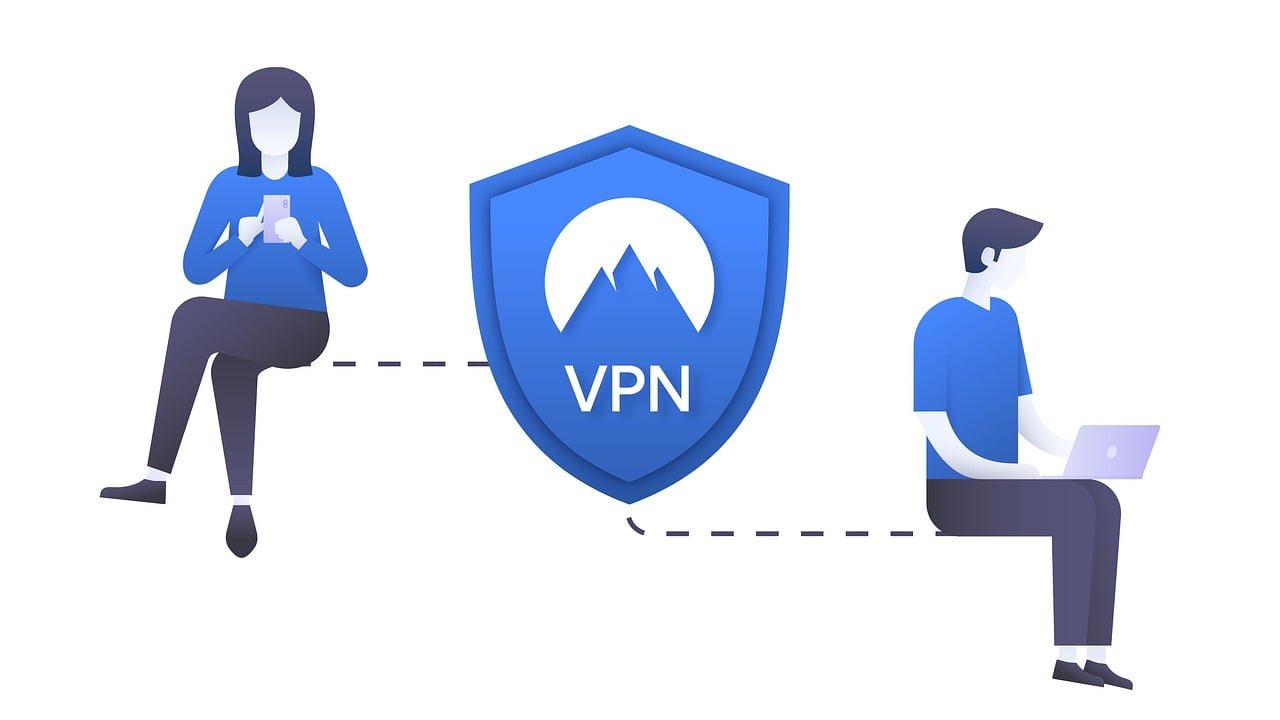
Virtual Private Networks (VPNs) provide a vital solution by establishing encrypted tunnels for data transfer.
However, with the rise in cyber threats, it is crucial to follow best practices in VPN configuration. Organizations should opt for standards-based LPNs using Internet Key Exchange/Internet Protocol Security (IKE/IPSec) protocols.
Ensuring strong, FIP-validated cryptographic algorithms and implementing multi-factor authentication further strengthens security.
Additionally, managing software vulnerabilities through regular updates and vendor patching is critical. Limiting VPN access to necessary ports and IP addresses, and routing traffic through comprehensive security stacks, enhances protection against cybercriminals.
By following these best practices, organizations can safeguard their remote work environments and ensure secure data transmission.
1. Select Standards-Based VPNs
One of the primary recommendations is to choose standards-based VPNs, specifically those utilizing Internet Key Exchange/Internet Protocol Security (IKE/IPSec) protocols. These standards are generally more secure and less risky compared to Secure Sockets Layer/Transport Layer Security (SSL/TLS) VPNs that rely on custom code for traffic transmission. It is advisable to disable any custom SSL/TLS tunnels if they are used as fallback options, ensuring that all traffic adheres to secure, standardized protocols.
2. Ensure Strong Cryptography
Strong cryptography is fundamental to a secure VPN. Organizations must validate that the encryption and authentication algorithms used by their VPNs are robust and FIP-validated. Additionally, implementing multi-factor authentication (MFA) is crucial. MFA significantly enhances security by requiring users to provide two or more verification factors to gain access, thereby reducing the risk of unauthorized access. Where possible, replace password-based authentication with client authentication using digital certificates stored on smartcards, adding an extra layer of security.
3. Manage Software Vulnerabilities
VPN vulnerabilities are a common attack vector for cybercriminals. It is essential to select VPN vendors with a strong track record of promptly patching vulnerabilities. Organizations should request a software bill of materials (SBOM) to ensure that all third-party code included in the VPN is up-to-date and secure. Additionally, deploying VPNs capable of runtime code validation can help detect potential intrusions. Regularly checking for and applying software updates is crucial.
4. Limit VPN Access
Restricting VPN access is another critical best practice. Cybercriminals often target VPNs to gain unauthorized access to internal systems using compromised credentials. To minimize this risk, create firewall rules that allow only specific ports necessary for VPN operation, such as UDP ports 500 and 4500 for IKE/IPsec and TCP port 433 or custom ports for SSL/TLS. Additionally, limit access to the VPN endpoint based on an IP address Allowlist and block VPN access to management interfaces. This prevents compromised administrator credentials from being used to perform privileged activities. Adopting a zero-trust security model and implementing network segmentation policies based on the principle of least privilege further enhances security.
5. Secure VPN Traffic
While VPNs provide an encrypted channel for data transmission, they do not inherently inspect or filter the traffic passing through them. Therefore, it is essential to route all VPN traffic through a comprehensive security stack that includes a web application firewall (WAF) and an intrusion prevention system (IPS). Configuring the VPN with robust web application security settings, such as protections against replay attacks, ensures that traffic is secure throughout its journey.
Conclusion
By adhering to the best practices —selecting standards-based VPNs, ensuring strong cryptography, managing software vulnerabilities, limiting access, and securing VPN traffic—organizations can significantly enhance their security posture. Implementing these guidelines not only safeguards against cyber threats but also fosters a secure and efficient remote work environment.



