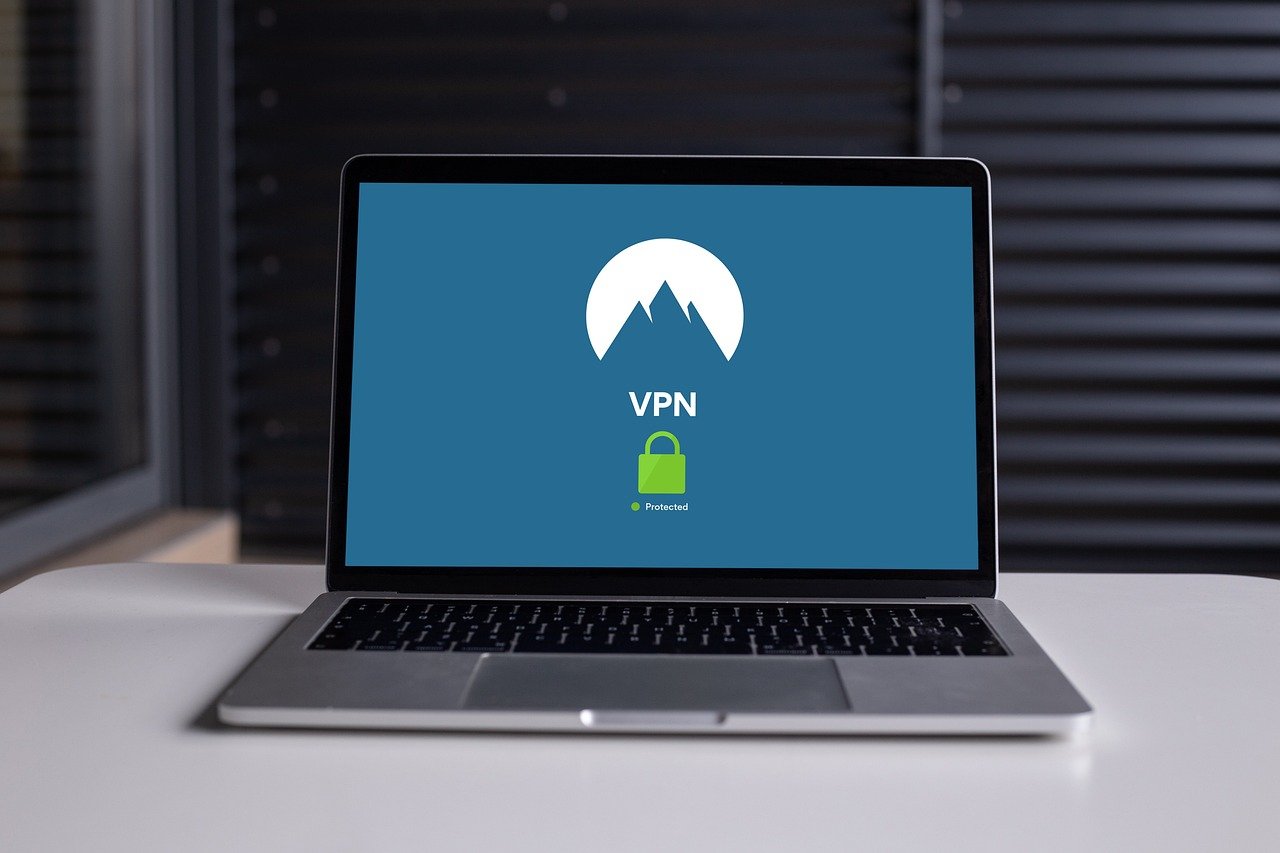
Virtual Private Networks (VPNs) are essential tools in providing security for remote employees, providing a secure way for employees to access company resources from anywhere.
VPNs encrypt internet traffic, safeguarding sensitive data from potential cyber threats. However, merely using a VPN is not enough; comprehensive security measures are necessary.
Employees must be aware of the risks associated with unsecured Wi-Fi networks, maintain strong and unique passwords, and regularly update their devices’ security settings, including firewalls and antivirus software.
Companies should implement two-factor authentication and conduct regular cybersecurity training to help employees recognize and respond to phishing attacks. By integrating these practices, businesses can create a robust security environment, protecting both their data and their employees’ privacy.
Understanding the Importance of VPNs
A VPN creates a secure connection between an employee’s device and the company’s network. This encryption makes it difficult for cybercriminals to intercept data, thus protecting sensitive information from being exposed. According to Cybereason, VPNs not only help in bypassing geographic restrictions but also significantly improve online privacy by making internet traffic unreadable to anyone who intercepts it.
1 Securing Wi-Fi Connections
Most home Wi-Fi systems offer some level of security, but employees need to be cautious when connecting to public Wi-Fi networks. Public Wi-Fi, found in places like coffee shops and airports, is a prime target for malicious parties looking to spy on internet traffic and collect confidential information. Employees should always use a VPN when connected to public Wi-Fi to encrypt their data and maintain privacy.
2 Enhancing Home Router Security
Many people do not change the default passwords on their home routers, leaving their networks vulnerable to attacks. Employees should ensure their home networks are secure by changing router passwords to something strong and unique. Additionally, they should regularly update router firmware to patch any security vulnerabilities. These simple steps can significantly reduce the risk of unauthorized access to their home networks.
3 Implementing Strong Passwords
Using strong, unique passwords for all accounts is crucial in preventing unauthorized access. Unfortunately, many people still reuse the same password across multiple accounts, making it easy for cybercriminals to gain access if one password is compromised. Employees should be encouraged to create complex passwords and use a password manager to keep track of them. As emphasized by Cybereason, disabling the “remember password” feature on personal devices when accessing company information is also recommended.
4 Utilizing Two-Factor Authentication
Even with strong passwords, additional security layers are necessary. Two-factor authentication (2FA) provides an extra layer of protection by requiring a second form of verification, such as a text message code or biometric scan. This measure ensures that even if a password is compromised, unauthorized access is still prevented. Cybereason highlights the importance of 2FA in protecting against data breaches.
5 Regular Data Backups
Regularly backing up important files is essential to protect against data loss from malware or hardware failures. In the event of a ransomware attack, having up-to-date backups can save the company from significant data loss. Cloud storage solutions are convenient and cost-effective ways to ensure that data is safely backed up and easily recoverable.
6 Keeping Firewalls and Antivirus Software Updated
Firewalls act as a barrier between an employee’s device and potential threats from the internet. Ensuring that firewalls are enabled on both the device and the router can prevent unauthorized access and data leaks. Additionally, keeping antivirus software up to date is crucial in detecting and blocking malware. Advanced antivirus solutions can offer real-time protection and mitigate threats that get past the firewall.
7 Training Employees on Phishing Awareness
Phishing attacks are common and can have devastating consequences. Employees should be trained to recognize phishing attempts and be cautious with emails from unknown sources. They should verify the legitimacy of requests for sensitive information, even from known contacts, by double-checking through other communication channels. Cybereason stresses the importance of such training in maintaining cybersecurity.
8 Encrypting Sensitive Communications
When communicating sensitive information, using encryption tools ensures that data remains confidential. Many messaging services offer end-to-end encryption, which should be used whenever possible. Companies should provide employees with secure communication tools to protect their information.
9 Securing Personal Devices
If employees use personal devices for work, additional security measures are necessary. Personal devices often lack the robust security features of company-provided equipment. Implementing Mobile Device Management (MDM) and Mobile Application Management (MAM) can help secure these devices by enforcing security policies and managing software updates remotely. According to Cybereason, this includes data encryption, malware scans, and the ability to wipe data from stolen devices.
10 Providing Clear Incident Reporting Channels
Employees should know how to report potential security issues quickly. Providing a dedicated email address or phone number for the company’s Incident Response Team can ensure that any problems are addressed promptly, minimizing potential damage.
Conclusion
As remote work becomes more prevalent, companies must invest in the necessary infrastructure and establish comprehensive security policies to mitigate cybersecurity risks. By following these VPN security tips and ensuring employees are well-trained and equipped, businesses can protect their data and maintain a secure remote work environment.