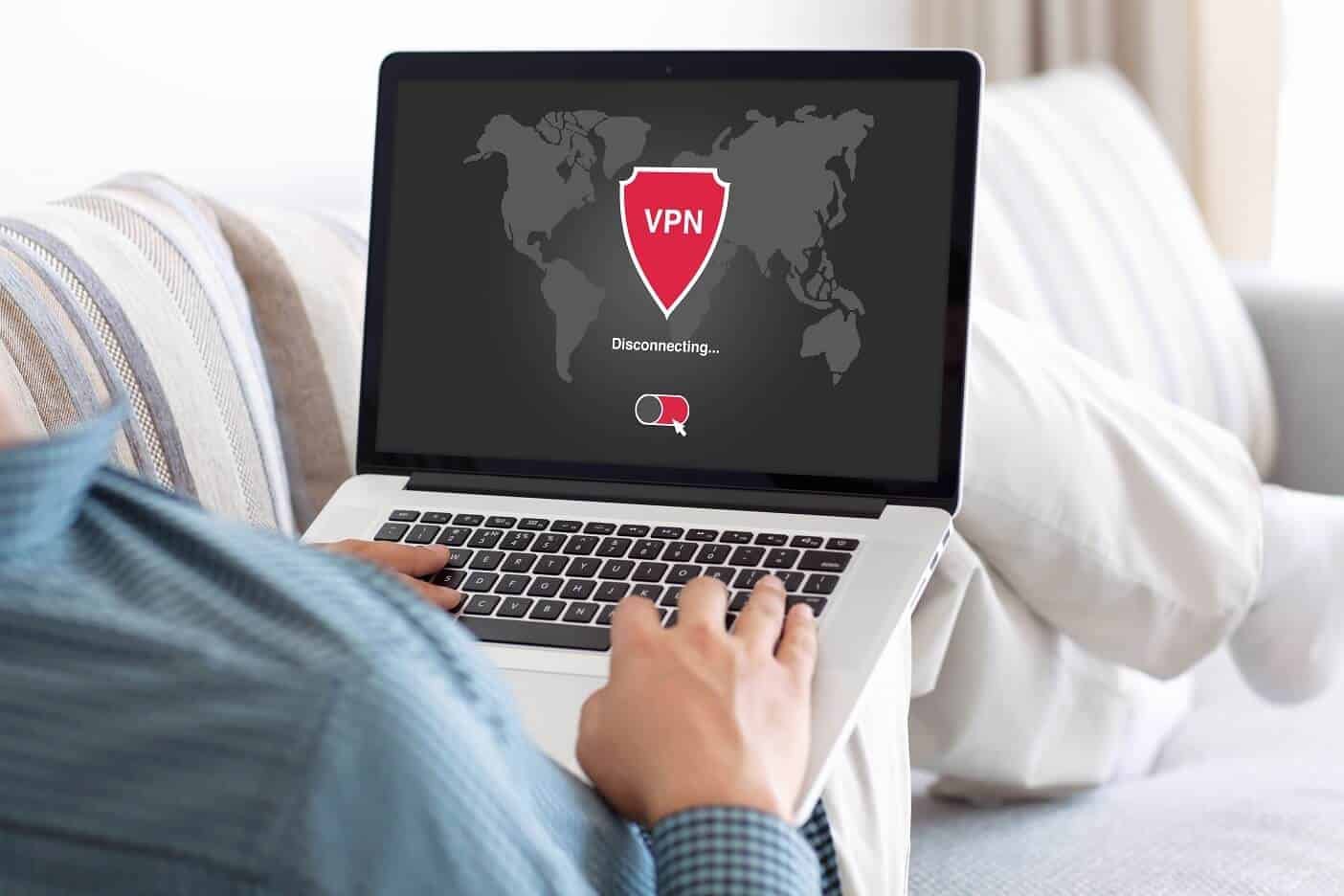
When I first started working remotely, I figured all I needed was good Wi-Fi and a laptop.
Simple, right?
Well, it was simple… until I found myself trying to access a project management tool from a hotel in Bangkok, only to get an error saying the site was blocked in that region. Then came the time I uploaded a file at a café and got a warning that someone had tried to intercept the connection. That’s when it clicked — remote work wasn’t just about flexibility. It was about secure, seamless access from anywhere.
Turns out, VPNs are the unsung heroes of modern remote work — and once I started using one regularly, the way I worked changed completely.
Why Remote Work Needs More Than Just Wi-Fi?
Look, I love the freedom of remote work. Home office one day, coworking space the next, maybe a beach resort if I’m lucky. But every new location comes with risks — unstable networks, regional restrictions, nosy Wi-Fi admins. I once had my login credentials intercepted at a public hotspot. It was a nightmare.
Here’s the thing: the internet isn’t built for privacy. Most public and even home networks aren’t encrypted, which means anyone with the right tools can peek in. VPNs solve that by creating a secure tunnel between your device and the internet.
The result? You can log into tools, transfer files, and attend meetings without worrying about who else might be “listening in.”
What VPNs Actually Do? (And Why They’re Not Just for Paranoia)
A VPN masks your IP address and encrypts your data. That means:
-
Your real location stays hidden
-
Hackers can’t snoop on what you’re sending or receiving
-
You can bypass content blocks or firewalls
-
You get peace of mind that your digital trail isn’t wide open
But here’s what surprised me the most, VPNs don’t just protect your connection. They also stabilize it. When I use a VPN in places with firewalls or throttled speeds (hello, hotel Wi-Fi), my connection is often faster and more consistent.
I’ve jumped on Zoom calls, uploaded large files, and even run cloud-based apps over a VPN with fewer issues than on a regular connection.
Tools That Actually Work for Seamless Remote Access
Not gonna lie, I tried a bunch of VPNs before finding ones that actually made my life easier. Some were slow, some dropped connection constantly, and some just felt sketchy.
Here are the ones that actually worked:
-
NordVPN / NordLayer: Fast, reliable, and super secure. I use NordLayer when I’m collaborating with a remote team — it lets us all connect to the same secure server, which is great for accessing shared tools or files.
-
ExpressVPN: My go-to when traveling. It’s incredibly fast, works on any device, and never gives me trouble with video calls or file uploads.
-
Surfshark: Great budget option. Works well on multiple devices at once and includes a kill switch (a must-have if you don’t want to leak data if your VPN drops).
-
Perimeter 81 or Cisco AnyConnect (for teams): These are perfect if you’re part of a company that needs centralized control, access restrictions, or advanced security features. I used Cisco when consulting with a corporate client — rock-solid.
Little Things That Make a Big Difference
I’ve learned a few tricks that make using a VPN feel less like a chore and more like a natural part of my workflow:
-
Auto-connect: I set my VPN to automatically turn on when I’m on public Wi-Fi. No more “oops, forgot to turn it on.”
-
Split tunneling: This lets me route work-related traffic through the VPN while keeping video streaming or personal browsing on the regular network. Saves bandwidth and avoids unnecessary slowdowns.
-
Dedicated IPs: Some tools (like payment processors or CRMs) block VPN traffic. A dedicated IP from a VPN provider solves this problem.
-
Kill switch: If the VPN disconnects, this automatically shuts off your internet to avoid leaking unprotected data. Absolute must-have.
Real Talk: The Time a VPN Saved My Butt
I once worked on a project with a client whose files were stored on a private cloud server, only accessible via a U.S.-based IP. Problem was, I was overseas at the time.
I tried to log in, access denied. Fired up my VPN, switched to a U.S. server, refreshed… boom. I was in. We made our deadline. No awkward explanations. No blaming the “internet gods.” Just smooth delivery.
That one moment sold me on the value of a solid VPN for remote work. It wasn’t just about safety. It was about continuity — being able to do my job from anywhere without missing a beat.
Final Thought: VPNs Aren’t Just a Tool, They’re a Lifeline
If you’re working remotely — whether it’s from home, a coworking space, or across the globe — a VPN isn’t optional. It’s essential.
It keeps your data safe, your access reliable, and your workflow uninterrupted. And the best part? Once it’s set up, it’s hands-off. One click and you’re protected.
So do yourself a favor. Get a good VPN. Make it part of your daily toolkit. You’ll wonder how you ever worked without it.