I thought the hardest part was going to be setting up the website.
I obsessed over the logo, played with color palettes for way too long, and even wrote product descriptions like I was writing a novel. But when it finally went live, you know what happened?
Crickets. No traffic. No sales. Just me hitting refresh every five minutes, wondering what I’d done wrong.
Then someone in a Facebook group casually dropped, “Are you using email yet?” That question changed everything.
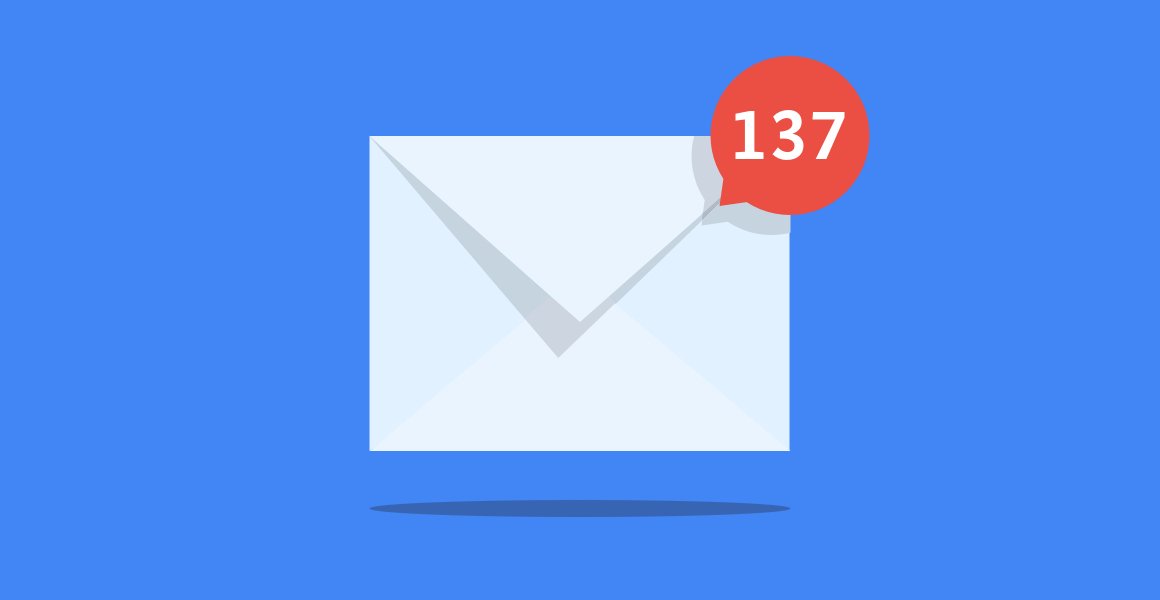
What I didn’t realize at the time is that email is one of the most powerful tools you have for driving traffic and not just from launches or promotions. With the right strategies, your email list can become your #1 traffic source. Here’s how I learned to actually use it to get people back to my store, again and again.
Start With a Reason to Click
First mistake I made? I sent emails that looked nice but didn’t really go anywhere. No call-to-action, no link to click. Just fluff.
You need to give people a reason to visit your store — whether it’s a new product drop, a sale, a story, or something useful. Now, before I send anything, I ask myself, “Where’s the traffic going and why would someone care?”
It could be:
-
A limited-time offer
-
A seasonal gift guide
-
A blog post that recommends my products
-
A product quiz
-
A “back in stock” alert
Point is, every email has a job. And that job is to drive action.
Use Email to Announce New Arrivals
This one sounds obvious, but it works so well. Whenever I release something new, I hype it up first. I’ll send a “sneak peek” email, then a launch day email, and sometimes a follow-up a few days later.
The result? My store gets a traffic spike every time. People are curious — they want to see what’s new. I even started using waitlists to build anticipation. Just a quick form in ConvertKit or Klaviyo, and boom — a warm segment ready to click the moment I say “go.”
Bring Back Browsers with Abandoned Cart and Browse Emails
These automated emails saved me. Seriously.
I set up abandoned cart emails through Klaviyo, and I was shocked at how many people came back and bought. The key was making it feel personal. I didn’t just say “You left something in your cart.” I’d write, “Hey — not sure if the internet glitched or if you changed your mind, but your [product name] is still hanging out in your cart. Want us to hold it a little longer?”
Even better: browse abandonment emails. If someone checks out a product but doesn’t add to cart, I follow up a day later with a quick nudge. Just a picture of the product, a short line of copy, and a button that takes them straight back.
It’s traffic that’s warm, interested, and often ready to buy.
Feature Blog Content and Product Stories
I started a tiny blog on my store’s site — nothing fancy. Just product tips, usage guides, and a few how-tos. Then I realized those blog posts made perfect content for emails.
Let’s say I sell skincare products. I might send an email like:
“3 Mistakes You’re Probably Making With Your Cleanser”
Inside the email, I give a teaser — then link to the full post. In that post? Strategic links to my cleanser collection.
It’s soft selling, but it works. I get traffic, SEO juice, and product visibility all at once.
Make It Visual and Mobile Friendly
This is one of those things I learned after sending an email that looked amazing on desktop… and was completely broken on mobile.
Most of your audience is checking emails on their phones. Make sure your emails look good on small screens. Use big buttons, short subject lines, and visuals that are easy to scan.
I now use templates from BeeFree and Stripo because they’re built for mobile first. And when I switched? Click-through rates jumped by over 30%.
Run Flash Sales with Countdown Timers
I run these about once a quarter, just a 24-hour flash sale with a juicy discount and a big timer at the top of the email. It’s not subtle, but it drives traffic like crazy.
The trick is making it short and urgent. Don’t give people time to think. I use tools like Deadline Funnel or built-in timers inside my ESP. You can do it even on a free plan — just link to a limited-time coupon in your store.
Segment for Better Traffic
This one was a game-changer.
Instead of blasting my whole list, I started segmenting based on behavior:
-
Past buyers
-
People who clicked but didn’t buy
-
People who haven’t opened an email in 30 days
Each group gets a different message. Buyers get loyalty perks. Clickers get extra product info. Inactives? I send them “last chance” emails to stay on the list.
Targeted emails mean higher open rates, more clicks, and ultimately, more traffic to the store.
Final Thought
Email isn’t just a way to “stay in touch.” It’s a direct line to people who already want what you sell. But you’ve gotta treat it like a tool — not a chore. Every email should have a purpose, a link, and a reason to care.
You don’t need a huge list. You need a smart one. Start simple, test what works, and focus on creating emails that drive real action.
Because once your emails are doing the heavy lifting? That’s when the real magic happens.